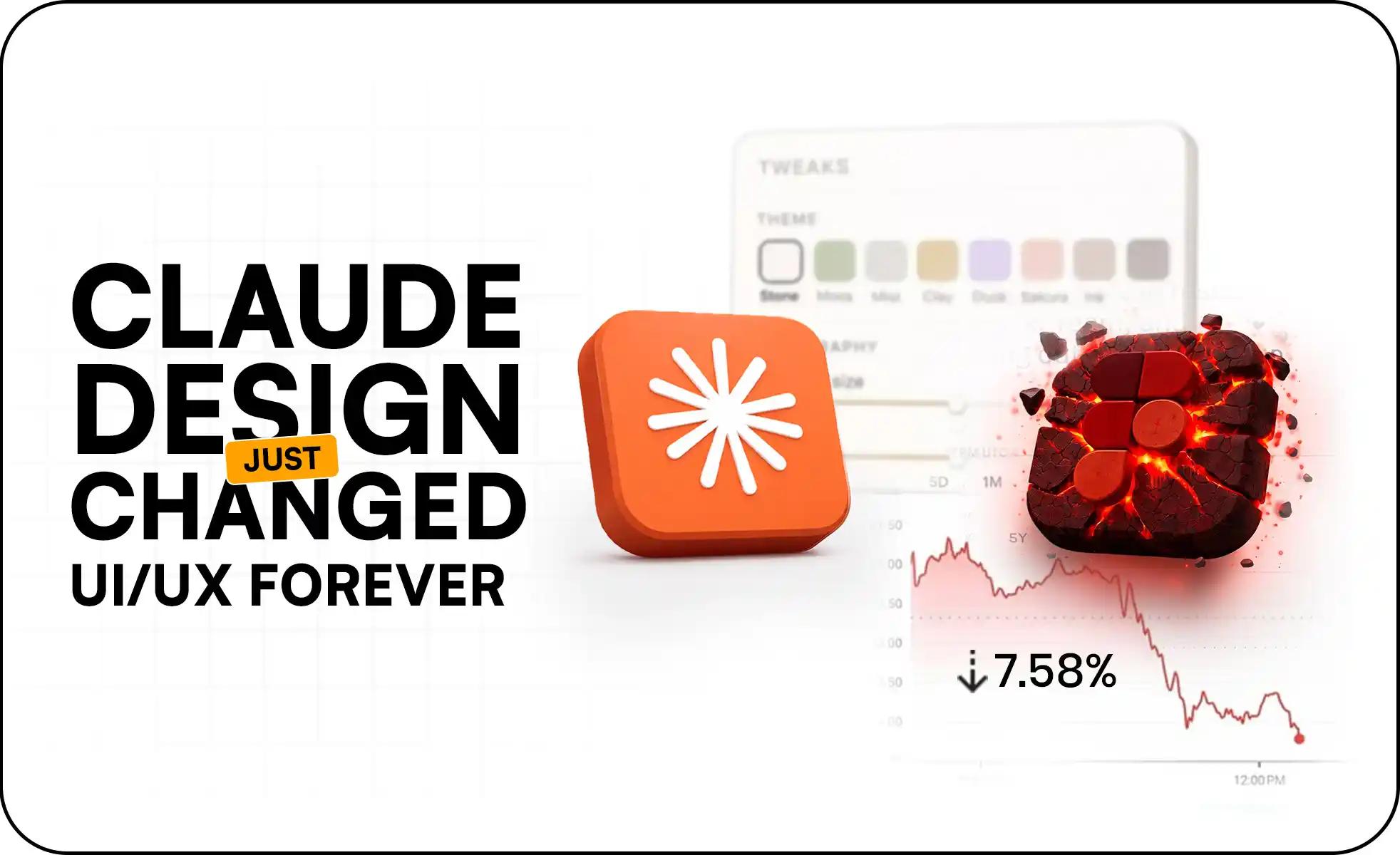
Anthropic launched Claude Design on April 17, 2026 and the design world reacted instantly. Figma dropped 7.28% in a single trading day.
On April 17, 2026, Anthropic released Claude Design – a conversational AI-powered visual editor built directly into Claude. Within hours, the global design software market reacted sharply.
But this was not just a market reaction to a product launch. It was a signal that UI/UX design workflows – prototyping, ideation, and product development – are undergoing a structural transformation in the age of AI design tools.
We are no longer talking about better tools. We are talking about replacing the starting point of design itself.
What Is Claude Design? (The AI Visual Editor Explained)
Claude Design is a generative AI visual editor that allows users to create complete user interfaces using natural language prompts. No canvas. No drag-and-drop. No manual component building.
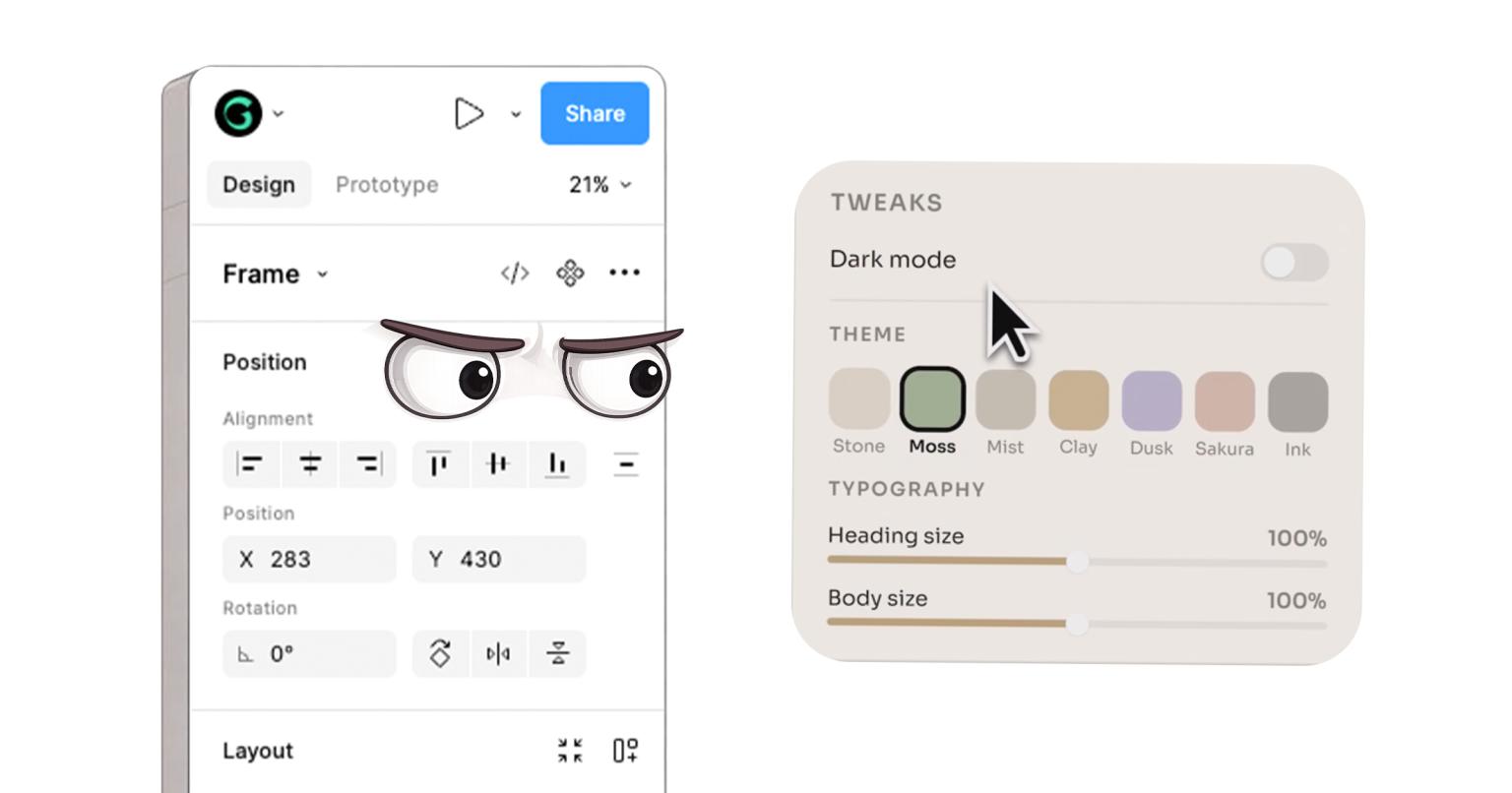
Unlike traditional UI/UX tools like Figma, Sketch, or Adobe XD, Claude Design operates entirely through conversational UI generation. You describe what you want to build, and it builds it.
Key Capabilities of the Claude AI Visual Editor
Generate full UI layouts from simple text prompts
Create responsive web pages and dashboards instantly
Auto-build design systems from existing codebases
Automatically detect and apply brand guidelines – colors, typography, spacing
Iterate and refine designs in real time through conversation
Export outputs to Figma, Canva, PowerPoint, or production-ready code
This positions Claude Design in a brand-new category: AI-native UI/UX design tools – not just another AI plugin sitting on top of existing software.
Claude Design vs Figma: The Core Difference in Design Philosophy
Figma – Traditional UI/UX Design
Figma is built around manual design creation, component-based UI systems, pixel-level control, and real-time team collaboration. Its core assumption has always been that the designer is the primary builder.
Claude Design – AI-First Design System
Claude Design is built around prompt-driven UI generation, automated design system interpretation, and instant prototyping from raw ideas. Its core assumption is fundamentally different: the idea itself is enough to generate the interface.
Figma starts with a blank canvas. Claude Design starts with a sentence. That single difference is reshaping the entire design industry.
Claude Design vs Figma vs Canva: Full Comparison
Capability
Claude Design
Figma
Canva
Design experience required
None
High
Low
UI generation method
AI prompt-based
Manual canvas
Template-based
Prototyping speed
Instant
Medium
Fast but limited
Design system handling
AI auto-detected
Manual setup
Basic templates
Developer handoff
Direct code export
Plugin-based
Limited
Collaboration features
Basic
Advanced
Moderate
Best use case
AI products and MVPs
Full product UI design
Marketing visuals
Cost to start
Included in Claude plan
Free to paid tiers
Free to paid tiers
Why Claude Design Is Disrupting UI/UX Design Workflows
1. From Manual UI Design to AI-Generated Interfaces
Traditional UI/UX workflows involve wireframing, layout structuring, component building, iteration cycles, and developer handoff – a process that typically takes days to weeks.
Claude Design compresses this entire flow into: Prompt to UI generation to refinement to export. For MVP development and early-stage product prototyping, this is a fundamental acceleration.
2. Non-Designers Can Now Create Professional UI
Product managers can prototype independently without waiting for a designer
Developers can skip early design bottlenecks in sprints
Startups can validate product ideas faster than ever before
Non-technical founders can generate working MVPs without a design hire
3. Why Figma Stock Dropped 7.28%
The market reaction reflected three legitimate concerns investors and analysts had in real time:
Workflow disruption risk – AI tools are actively reducing dependency on manual UI design software
Early-stage design replacement – Claude Design directly targets the idea-to-prototype stage where Figma dominates
End-to-end AI pipeline – Claude combined with Claude Code creates a full product development workflow that bypasses traditional tooling
Real-World Workflow Comparison: Traditional vs AI-Powered Design
Traditional Figma Workflow
Claude Design Workflow
1. Requirement gathering
1. Describe your product idea in plain language
2. Wireframing
2. Generate UI via prompt
3. UI design in Figma
3. Refine through conversation
4. Component structuring
4. Export to code or design tool
5. Feedback and revision cycles
6. Developer handoff
Time: Days to weeks
Time: Minutes
Impact on UI/UX Designers: What Changes and What Grows in Value
This shift does not eliminate the need for skilled designers. It changes what designers are expected to be skilled at.
Skills Decreasing in Value
Basic UI layout creation
Template-based design execution
Repetitive screen building across standard patterns
Skills Increasing in Value
UX strategy and user research
Product thinking and systems-level design decisions
AI-assisted design supervision and quality control
Stakeholder management and translating business needs into design briefs
Designers are evolving from tool operators to experience architects. The ones who adapt fastest will become more valuable, not less.
What This Means for Businesses, Startups, and Product Teams
For MVP Development
Faster product validation with working prototypes in minutes
Reduced prototyping time and lower initial development cost
Lower barrier for non-technical founders to test ideas before hiring
For Product Teams
Faster experimentation and iteration within sprint cycles
Reduced dependency on design bottlenecks
Rapid testing of ideas before committing to full design execution
For Agencies and SaaS Companies
Client expectations for delivery speed have shifted permanently
Pressure to adopt AI design workflows to stay competitive on price and timeline
Pricing models shifting from effort-based to outcome-based
GeekSSort Perspective: What This Shift Means for Real Teams
At GeekSSort, we see this as a workflow compression revolution – not just a speed upgrade.
The fundamental change is the removal of friction between an idea and its interface. For real-world teams and clients, this translates into four practical shifts:
Clients now expect faster MVPs – and they are right to expect them
Design becomes real-time, not staged across weeks of back-and-forth
Early prototypes reach production quality much sooner in the process
Competitive advantage is shifting from execution speed to clarity of thinking
Limitations of Claude Design: An Honest Reality Check
Despite its power, Claude Design is still maturing. It cannot yet fully replace:
Deep UX research and human behavioral analysis
Complex stakeholder-driven design decisions in enterprise environments
Mature, large-scale design systems built and refined over years
Nuanced emotional design judgment rooted in user psychology
For now, the most effective approach combines Claude Design’s speed with a skilled designer’s strategic thinking – not one replacing the other entirely.
Frequently Asked Questions
What is Claude Design?
Claude Design is an AI-powered visual editor launched by Anthropic on April 17, 2026. It generates complete user interfaces through natural language prompts, without requiring any manual design work on a canvas.
Will Claude Design replace Figma?
Not entirely – at least not in the near term. Claude Design targets the idea-to-prototype stage very effectively, which is where Figma sees heavy usage. For complex enterprise design systems, advanced collaboration, and pixel-level control, Figma still holds clear advantages.
Can non-designers use Claude Design?
Yes. Claude Design is built so that anyone who can describe what they want in plain language can generate professional-quality interfaces. No design experience is required to get a working prototype.
Why did Figma stock drop when Claude Design launched?
Figma dropped 7.28% in a single trading session because Claude Design directly competes with the early-stage prototyping workflow that Figma currently dominates, raising legitimate concerns about long-term platform dependency among investors.
Is Claude Design free?
Claude Design is embedded within Claude by Anthropic. Access and pricing depend on your current Claude subscription plan. Visit Anthropic’s official site for the most up-to-date access details.
What is the difference between Claude Design and Canva?
Canva is a template-based design tool primarily used for marketing visuals, social content, and presentations. Claude Design is an AI-native UI/UX tool specifically for generating digital product interfaces through conversation. They serve very different purposes and audiences.
Final Thought: The First Step of Design Has Changed
The biggest transformation here is not Claude Design versus Figma as competing products.
It is this:
The first step of design is no longer opening a tool. It is expressing an idea.
This changes UI/UX design workflows, MVP development speed, product validation cycles, and the entry barrier to digital creation – permanently.
The teams that adapt fastest will not just save time. They will build better products, with greater clarity, at a speed that was simply not possible before.
The Netherlands has near-universal English fluency and a persistent shortage of senior engineers in AI, MLOps and cloud infrastructure. Here is why Dutch companies are moving to remote development teams, and what to verify before committing.
HIPAA and GDPR overlap on security controls but diverge on consent, individual rights and breach notification timing. Here is the technical crosswalk, PHI handling architecture, BAA process and AI governance one dual-compliance HealthTech platform needs.
The quote on your desk is not the price of the software. This guide splits the real cost of custom software into CapEx vs OpEx treatment, annual maintenance benchmarks by software type, and a 3-year TCO model to build before a CFO signs off.




 We’re happy to sign an NDA upon request.