
Salon Booking Software: Complete Guide for Salons
A comprehensive guide to salon booking software. Learn how automated scheduling, staff rosters, online client booking, and appointment reminders reduce salon no-shows.


 By Ebrahim Khan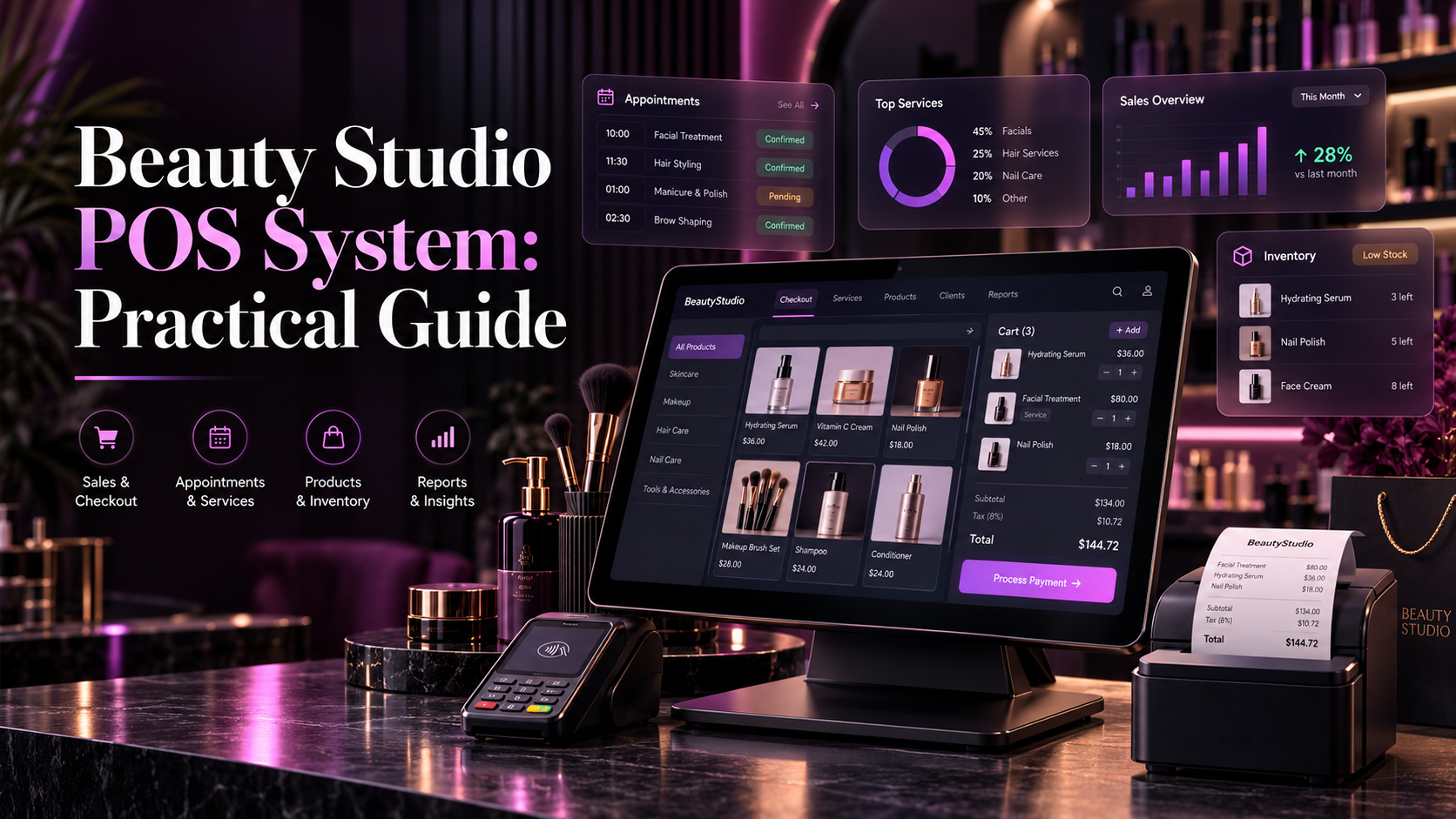
7 min read
Key Takeaways
A beauty studio POS system helps salons, makeover hubs, and boutique studios manage billing, payments, services, products, and daily sales. Many studios still use manual receipts, spreadsheets, or basic retail POS tools. This creates unclear invoices, payment confusion, and limited business visibility.
A beauty studio bill can include services, products, packages, discounts, and split payments. A basic retail POS often cannot handle these details cleanly.
This guide explains how a beauty studio POS system works, which features matter most, and how to choose a system for a studio in Bangladesh.
A beauty studio POS system is a point-of-sale tool designed for beauty businesses. It helps studios create invoices, accept payments, track products, and review sales.
It can work alone or as part of a complete salon management software platform. A connected system links billing with bookings, customers, staff, and inventory.
For example, when a client completes makeup and buys a lipstick, the POS should record both items clearly. The service revenue and product revenue should remain separate.
The goal is simple. The studio should know what was sold, who served the client, how much was collected, and which payment method was used.
Manual billing creates avoidable problems. Staff may forget to add a service, apply the wrong discount, or miss a product sale.
Paper receipts can also make reconciliation difficult. At closing, the owner may find that recorded sales do not match collected cash or digital payments.
A beauty studio POS system reduces these problems by creating one clear record for each transaction. Every invoice should show services, products, discounts, taxes, and payment method.
This makes it easier to answer customer questions. It also helps owners review daily performance without manually checking every receipt.
A good beauty studio POS system should include:
These features help the front desk complete checkout quickly and accurately.
The system should also be easy for staff to use during busy hours. A complicated billing screen can slow down checkout and create mistakes.
A studio bill often includes both services and products. The system should keep these separate for clearer reporting.
For example, a client may receive makeup, hairstyling, and a facial. The same client may also buy lipstick or skincare products.
The invoice should show each service and product separately. This helps the studio understand service revenue, product revenue, and total sales.
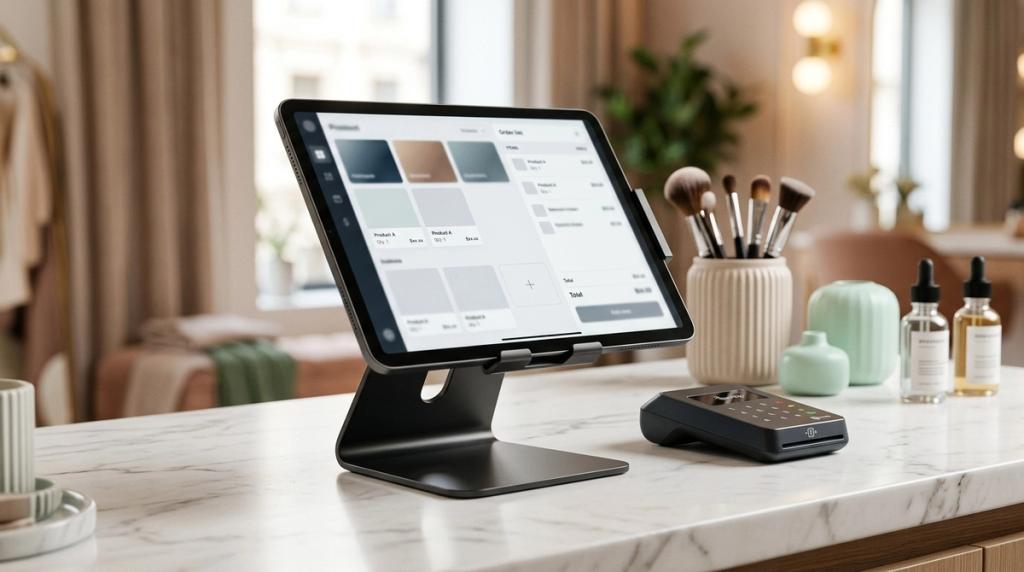
Product sales should reduce retail stock automatically. Service supplies should follow a separate inventory workflow.
This distinction helps owners understand the actual performance of services and retail products.
Studios often use discounts, packages, memberships, and gift vouchers. A POS system should handle these without creating confusion.
For example, a client may have a package of five makeup sessions. When the client uses one session, the system should reduce the remaining balance.
The invoice should show that the service was paid through a package redemption. It should also identify the original package purchase.
Discounts should be recorded with a reason and an authorised user. This helps owners review discount usage and protect margins.
Gift vouchers should also be tracked from sale to redemption. The system should show the voucher balance and prevent duplicate use.
Sometimes one client pays partly in cash and partly through bKash or Nagad. Sometimes a group shares one bill.
A beauty studio POS system should support split billing and multiple payment methods. The invoice should show each payment amount and method clearly.
For studios in Bangladesh, test cash, card, bKash, and Nagad workflows relevant to the business. Recording a payment method does not prove money reached the merchant account.
Automatic verification requires supported integrations and an appropriate merchant setup. Ask for a demonstration of a successful payment, a failed payment, and a delayed confirmation.
A pending transaction should remain distinguishable from a completed payment. Staff need a clear process when a customer shows a payment screenshot.
Mistakes happen. A service may be cancelled, a product may be returned, or a bill may need correction.
The POS system should record these changes clearly. It should retain the original amount, the corrected amount, the employee, the time, and the reason.
This creates accountability. It also helps owners understand why revenue changed.
Refunds should not simply disappear from the records. They should remain visible in daily and monthly reports.
Studio owners should review local tax and invoice requirements before choosing software. In Bangladesh, VAT and invoice formatting can affect daily operations.
Ask the provider to show a sample invoice using your business details. Check whether it supports the required charges, fields, and layout.
Have your accounts team review the output before rollout. This helps avoid invoice problems after the system goes live.
The system should also keep invoice records searchable. Owners may need to find an old invoice for a customer question or accounts review.
At closing, the studio should compare recorded collections with cash counted and confirmed digital transactions. This process should be simple and clear.
A beauty studio POS system should provide reports on daily sales, payment methods, discounts, refunds, services, products, and staff performance.
Every unusual figure should lead to the underlying transaction. Reports should help owners investigate, not only display totals.
For example, if cash collected does not match recorded cash sales, the owner should be able to review the relevant invoices quickly.
POS should not remain separate from booking, customer records, inventory, and staff performance. When connected, a completed bill can update sales, stock, client history, and staff reports.
For example, after a makeup service is completed, the system can record the payment, deduct product usage, update client history, and add revenue to the daily report.
This reduces manual data entry and improves accuracy. It also gives owners a clearer view of daily performance.
Geekssort’s [POS buying guide](https://geekssort.com/blog/best-pos-software-in-bangladesh/) provides useful context for evaluating checkout systems. Apply it to your studio service workflow.
Before choosing a beauty studio POS system, review your current billing process. Ask whether invoices are accurate and whether discounts are recorded properly.
Ask whether staff can process split payments and refunds easily. Ask whether the system supports the payment methods your clients use.
Also ask whether the system connects with booking, inventory, and customer records. A connected system reduces manual work and improves accuracy.
Request a complete cost breakdown. Include subscription fees, users, branches, payment charges, hardware, setup, migration, and training.
Glamora is a salon business management system developed by Geekssort. It includes POS billing, customer management, inventory, staff management, and business insights in one connected platform.
For beauty studios, Glamora can help manage billing, client records, product sales, and daily operations from one system. Request a demonstration to verify the exact modules and workflows included in your proposal.
Choosing beauty studio POS system is only the first step. Successful adoption depends on clean data, clear responsibilities, and a phased rollout.
Begin with clean service names, prices, staff accounts, customer records, and opening stock. Assign one person to approve imported information before go live.
Pilot the workflow with a small team or one branch. Keep one authoritative record for each transaction and reconcile temporary notes quickly.
Train staff using real scenarios. Include a new booking, a walk-in, a reschedule, a discount, a refund, and a stock correction.
Measure progress against the problems recorded before implementation. Compare booking conflicts, closing time, corrected bills, and unexplained stock differences.
Expand the rollout when staff can complete daily work confidently. A careful rollout creates better long-term adoption.
Many salon owners choose software based only on feature lists. This can lead to a system that looks impressive but does not fit daily work.
Avoid choosing without testing your own scenarios. Include a rescheduled booking, split payment, refund, package redemption, and stock correction.
Do not ignore total cost. Ask about subscriptions, extra users, branches, reminders, hardware, setup, migration, training, and support.
Do not assume every feature is included in every plan. Request written confirmation of the modules and limits included in your proposal.
Finally, involve the people who will use the system daily. Reception staff, stylists, and accounts staff can identify practical problems early.
A beauty studio POS system is most valuable when it creates accurate invoices and reliable payment records. It should connect billing with booking, inventory, customers, and reporting.
For studios in Bangladesh, practical evaluation matters more than feature count. Test local payments, invoice formatting, refunds, split billing, and daily reconciliation.
Glamora is designed for this connected approach.
A beauty studio POS system helps studios create invoices, accept payments, and track services and products. It can also connect with bookings and inventory.
Some systems support integrations, while others only record the payment method. Ask for a demonstration of actual payment verification.
A complete system should track package balances, voucher sales, and redemptions. Each use should link to the original purchase.
Yes. A good system records refunds with the employee, time, reason, and original amount.
Glamora by Geekssort helps beauty studios manage invoices, payments, clients, inventory, staff, and daily sales in one connected platform.
Explore Glamora and see how an automated beauty studio POS and management system can simplify checkout, eliminate register errors, and streamline daily operations.

A comprehensive guide to salon booking software. Learn how automated scheduling, staff rosters, online client booking, and appointment reminders reduce salon no-shows.

A practical guide to choosing salon management software in Bangladesh. Learn how connected booking, billing, inventory, and staff tools streamline daily salon operations.

Discover 7 reasons why your salon needs Glamoora salon management software. Learn how unified online booking, POS billing, CRM, inventory, and analytics streamline daily operations.

Ebrahim KhanFounder & CEO
 We’re happy to sign an NDA upon request.