
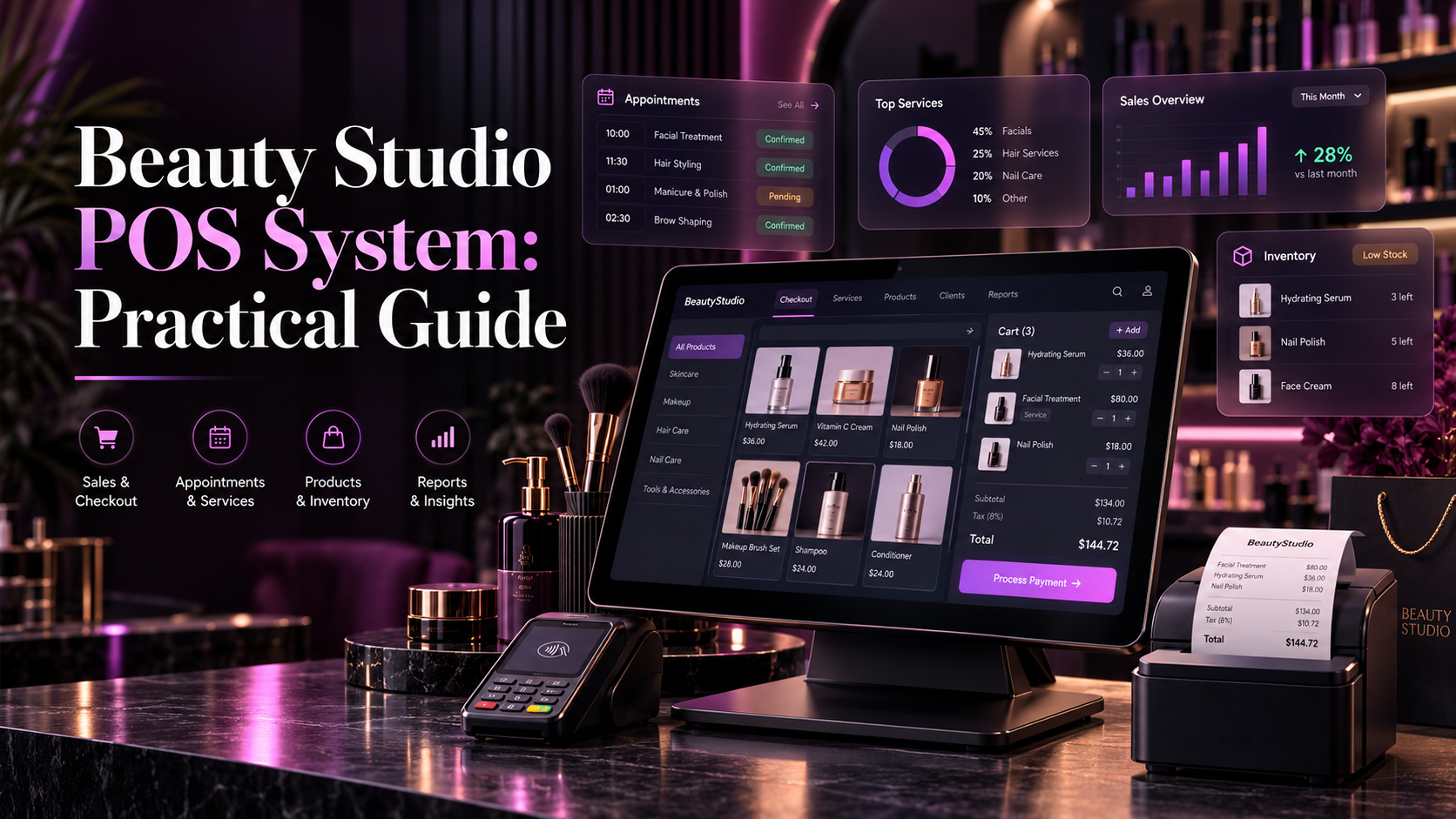
Beauty Studio POS System: Practical Guide
A practical guide to beauty studio POS systems. Learn how connected billing, service invoicing, retail inventory, and local payment verification streamline studio counters.


8 min read
Key Takeaways
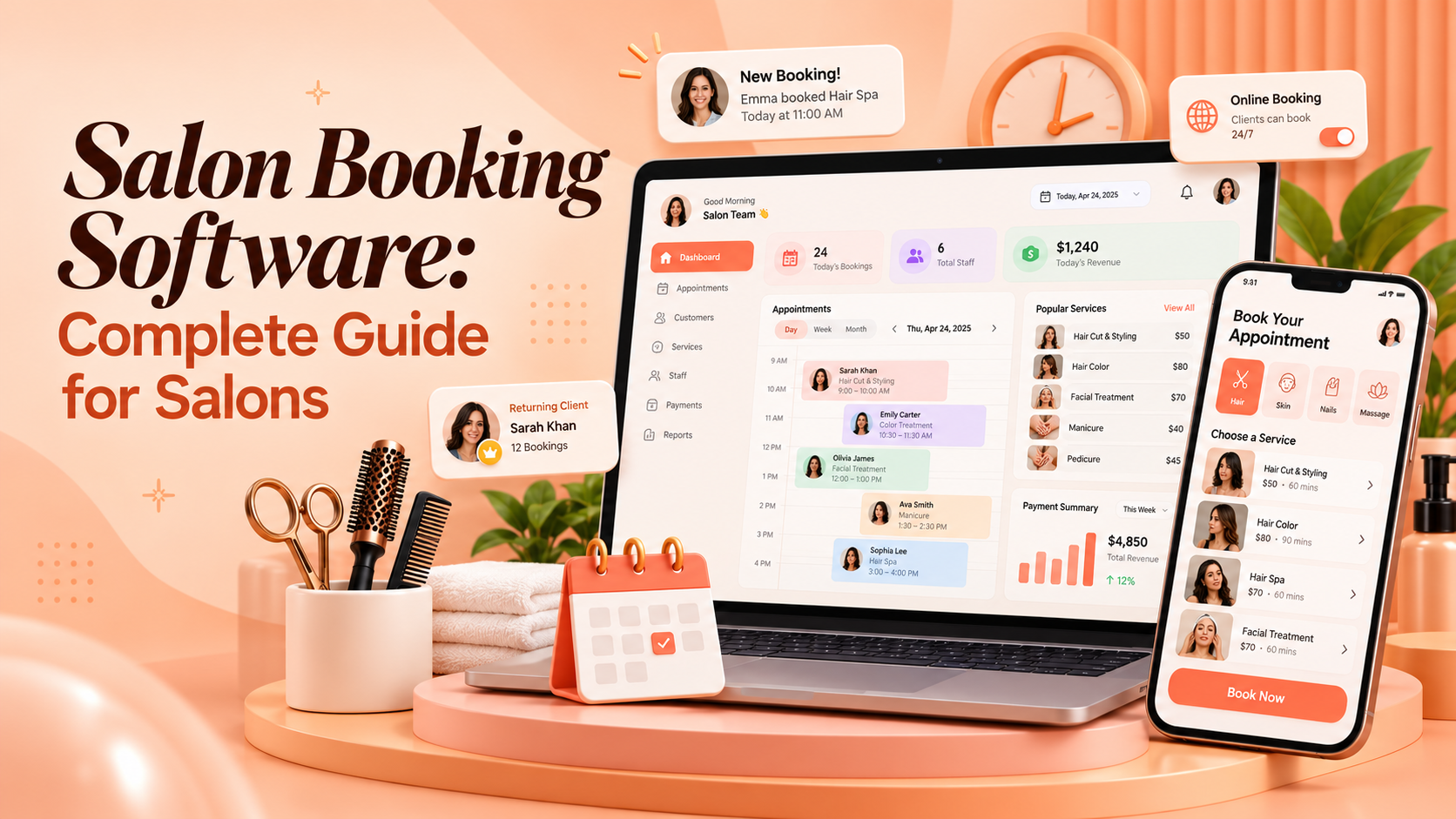
Salon booking software helps salons accept, manage, and organise appointments from one system. Many salons still depend on phone calls, Facebook messages, paper diaries, and manual registers. This creates double bookings, missed appointments, and unnecessary front desk work.
Clients today expect a simple way to book services online. They want to see available time slots, choose a stylist, and receive confirmation without calling the salon.
This guide explains how salon booking software works, which features matter most, and how to evaluate a system for a salon or beauty parlour in Bangladesh.
Salon booking software is a digital tool that helps salons accept and manage appointments. It can work alone or as part of a complete salon management software platform.
A good booking system helps clients book services online. It also helps the front desk manage walk-ins, stylist availability, service duration, and daily schedules.
For a beauty parlour management system, booking is usually the starting point. A booking can connect to billing, customer history, staff performance, and inventory usage.
The goal is simple. The salon should know who is coming, when they are coming, which service they need, and which staff member will serve them.
Phone-based booking creates avoidable work. Staff must answer calls, check availability, write down details, and confirm appointments manually.
This process can lead to errors. A receptionist may book two clients for the same stylist. A client may forget the appointment time. A stylist may not know about a last-minute booking.
Online salon booking reduces these problems. Clients can view available slots and book services at any time.
The system can prevent double bookings by showing only available time slots. Staff can see updated schedules without relying on verbal updates.
Online booking also helps salons capture bookings outside working hours. A client may decide to book late at night or early in the morning.
Without online booking, that opportunity may be lost. With it, the salon can accept requests even when the front desk is closed.
Not every booking tool is suitable for a salon. A salon has stylists, beauticians, service durations, walk-ins, packages, and repeat clients.
Look for these features:
These features help the salon manage both advance bookings and daily walk-ins.
A booking system should also be easy for clients to use. If the process is complicated, clients may abandon it and call the salon instead.
Online appointment booking allows clients to book services through a website, social media page, or booking link.
A client should be able to select a service, choose a preferred stylist, view available time slots, confirm the appointment, and receive a confirmation message.
For example, a client may want a haircut and hair spa. The system should show stylists who can perform both services and display available time slots.
This reduces the workload of the front desk. It also gives clients more control over their booking experience.
Test the booking flow on a mobile phone. Many clients will book from Facebook, Instagram, or a messaging app link.
Salon booking software should connect bookings with staff availability. Each stylist or beautician may have different working hours, skills, and service specialties.
The system should show only relevant staff members for each service. For example, a hair colour specialist may not be available for a facial.
Staff calendars should show booked appointments, available time slots, breaks, leave, walk-in assignments, service duration, and daily workload.
This helps managers balance the workload across the team. It also helps reception avoid booking a service with the wrong staff member.
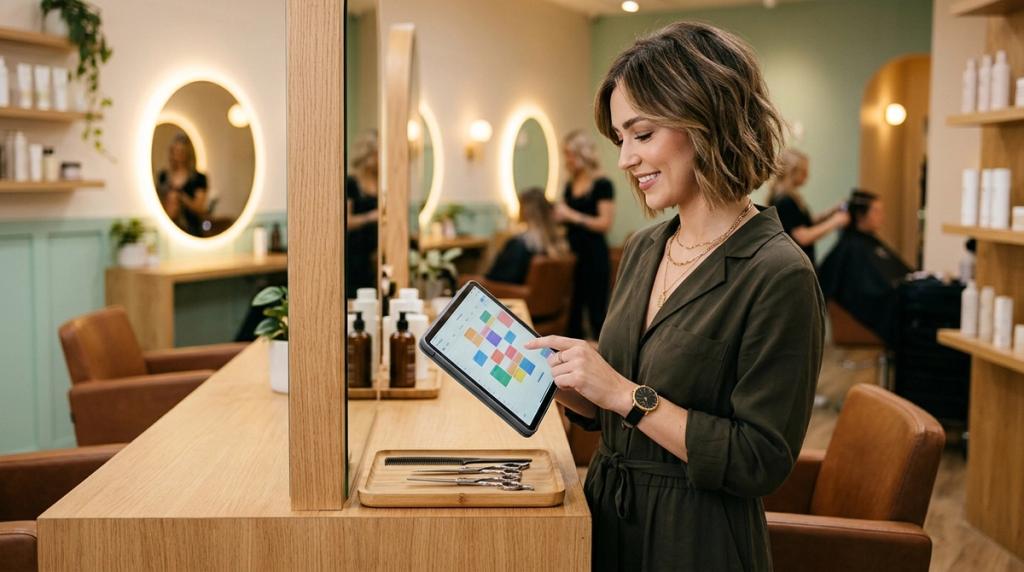
Ask staff to simulate a late arrival, a cancellation, and an absent stylist. Watch whether they can update the schedule without starting again.
Missed appointments waste staff time and reduce revenue. Booking reminders help reduce this problem.
A salon booking system should send reminders through SMS, email, or app notifications. The reminder should include the appointment date, time, service, and stylist name.
Clients should also be able to confirm, cancel, or reschedule from the reminder. This gives the salon time to fill cancelled slots.
Keep reminders brief and useful. Include the service, time, location, and a clear way to request changes.
Avoid filling appointment reminders with unrelated promotions. Customers should immediately understand the purpose of the message.
Salons handle both walk-in clients and advance bookings. A good booking system should support both.
For walk-ins, the front desk should quickly check staff availability and assign a service. For advance bookings, the system should reserve the time slot and update the calendar automatically.
The system should also show waiting time during busy hours. This helps the front desk manage client expectations.
A clear daily view helps the salon avoid overbooking and long waiting periods. It also helps staff prepare for the day.
Salon booking software becomes more useful when it connects with client history. The system should store previous appointments, preferred services, preferred stylists, service notes, and contact details.
It should also store product preferences, loyalty points, membership details, and purchase history. This helps the salon provide a personalised experience.
For example, if a client regularly books a specific facial with a particular beautician, reception can suggest that staff member during the next booking.
Client history also supports rebooking. After a service, the front desk can suggest the next appointment based on the service cycle.
Booking data can reveal useful business patterns. A salon booking system should provide reports on daily and weekly bookings, popular services, busy time slots, and staff-wise bookings.
It should also report cancellation rates, no-show rates, repeat client bookings, and advance booking trends. These reports help owners make better decisions.
For example, if most bookings happen on weekends, the salon can schedule more staff during those periods. If a service receives frequent cancellations, review pricing, timing, or reminder settings.
Booking should not remain separate from the rest of the salon operation. When connected to salon management software, a booking can update staff schedules, client records, POS billing, inventory usage, sales reports, and staff performance data.
For example, after a facial service is completed, the system can record the payment, deduct product usage, update client history, and add revenue to the daily report.
This reduces manual data entry and improves accuracy. It also gives owners a clearer view of daily performance.
Before choosing salon booking software, review your current booking process. Ask whether you receive booking requests outside working hours and whether you face double bookings or missed appointments.
Ask whether clients can easily reschedule or cancel. Ask whether you can manage walk-ins and advance bookings together. Ask whether you can track no-shows and cancellations.
Also ask whether the booking system connects with billing and client records. A connected system reduces manual work and improves accuracy.
Request a complete cost breakdown. Include subscription fees, users, branches, reminders, hardware, setup, migration, and training.
Glamora is a salon business management system developed by Geekssort. It includes booking, POS billing, customer management, inventory, staff management, and business insights in one connected platform.
For salons, Glamora can help manage appointments, staff schedules, client records, and daily operations from one system. Instead of using a separate booking app, billing tool, and customer register, salons can use one connected workflow.
Request a demonstration to verify the exact modules and workflows included in your proposal.
Choosing salon booking software is only the first step. Successful adoption depends on clean data, clear responsibilities, and a phased rollout.
Begin with clean service names, prices, staff accounts, customer records, and opening stock. Assign one person to approve imported information before go live.
Pilot the workflow with a small team or one branch. Keep one authoritative record for each transaction and reconcile temporary notes quickly.
Train staff using real scenarios. Include a new booking, a walk-in, a reschedule, a discount, a refund, and a stock correction.
Measure progress against the problems recorded before implementation. Compare booking conflicts, closing time, corrected bills, and unexplained stock differences.
Expand the rollout when staff can complete daily work confidently. A careful rollout creates better long-term adoption.
Many salon owners choose software based only on feature lists. This can lead to a system that looks impressive but does not fit daily work.
Avoid choosing without testing your own scenarios. Include a rescheduled booking, split payment, refund, package redemption, and stock correction.
Do not ignore total cost. Ask about subscriptions, extra users, branches, reminders, hardware, setup, migration, training, and support.
Do not assume every feature is included in every plan. Request written confirmation of the modules and limits included in your proposal.
Finally, involve the people who will use the system daily. Reception staff, stylists, and accounts staff can identify practical problems early.
Salon booking software is one of the most important tools for a modern salon. It improves client convenience, reduces missed appointments, and helps staff manage their time better.
The best booking system should support online booking, real-time availability, reminders, walk-ins, client history, and reporting. When booking connects with billing, inventory, and customer management, the salon gains a complete operational view.
Glamora is designed for this connected approach.
Salon booking software helps salons accept and manage appointments. It can manage online bookings, staff availability, reminders, and client records.
Yes. Clients can select a service, choose a stylist, view available slots, and confirm the appointment online.
Yes. Automated reminders help clients remember appointments. Clients can also confirm, cancel, or reschedule in advance.
Yes. When booking connects with POS billing, the salon can reduce manual entry and keep records accurate.
Glamora by Geekssort helps salons manage online appointments, staff schedules, client reminders, and billing in one place.
Explore Glamora and see how an automated salon booking and management platform can keep your chairs filled, eliminate double bookings, and streamline daily salon operations.
A practical guide to beauty studio POS systems. Learn how connected billing, service invoicing, retail inventory, and local payment verification streamline studio counters.

A practical guide to choosing salon management software in Bangladesh. Learn how connected booking, billing, inventory, and staff tools streamline daily salon operations.
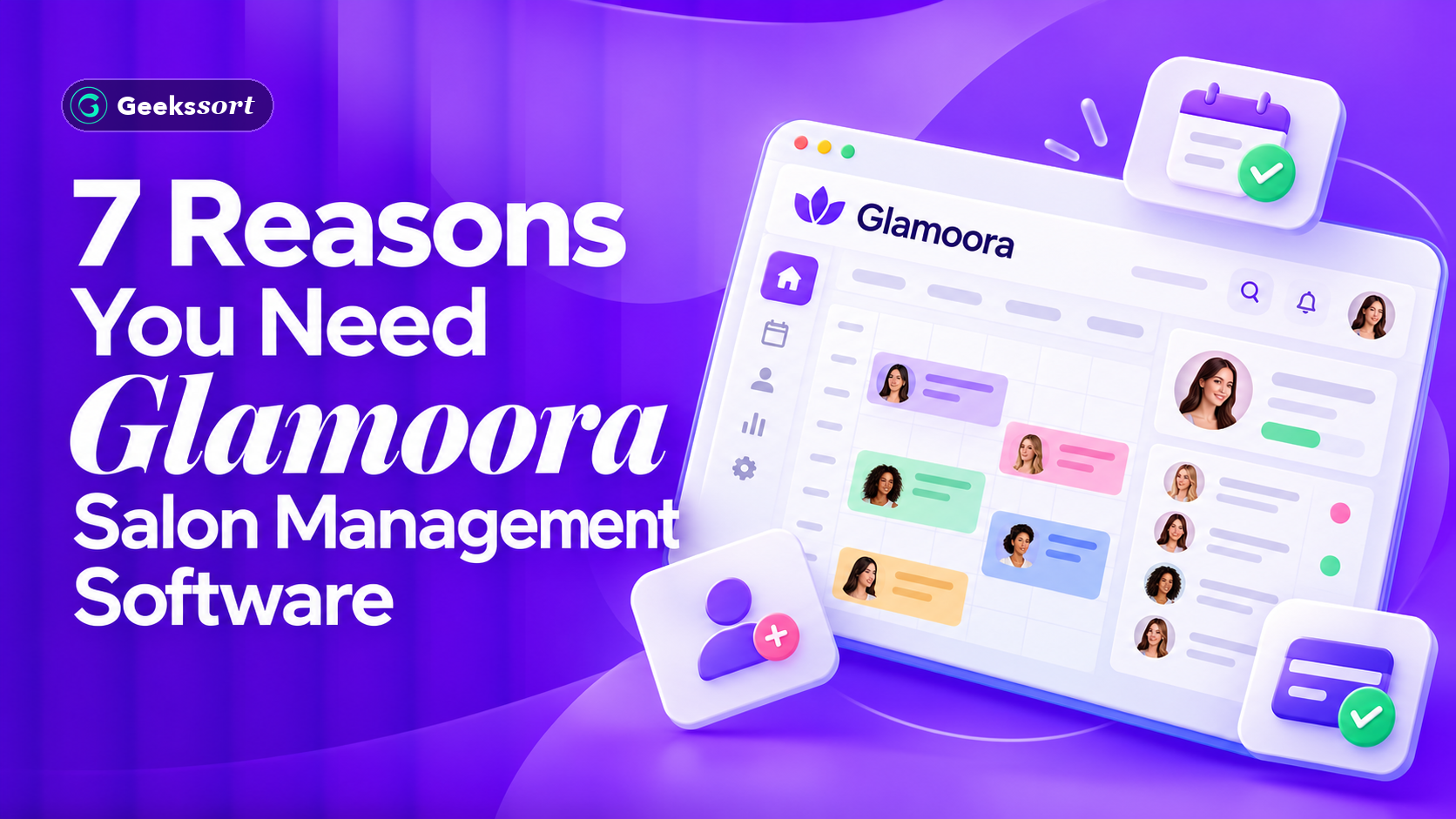
Discover 7 reasons why your salon needs Glamoora salon management software. Learn how unified online booking, POS billing, CRM, inventory, and analytics streamline daily operations.

Ebrahim KhanFounder & CEO
 We’re happy to sign an NDA upon request.