Learn how to integrate bKash and Nagad with your POS system. Explore setup, costs, payment flow, benefits, and best practices for Bangladeshi businesses.
Accept bKash and Nagad payments directly from your POS.
Do you want customers to pay with bKash or Nagad at your counter? bKash Nagad POS integration lets your POS system accept both wallets directly. No manual QR codes. No separate apps. Just one system that handles sales, payments, and stock together.
This guide explains how it works, what it costs, and how to set it up. We keep things simple, so you can decide fast.
1. What Is bKash Nagad POS Integration?
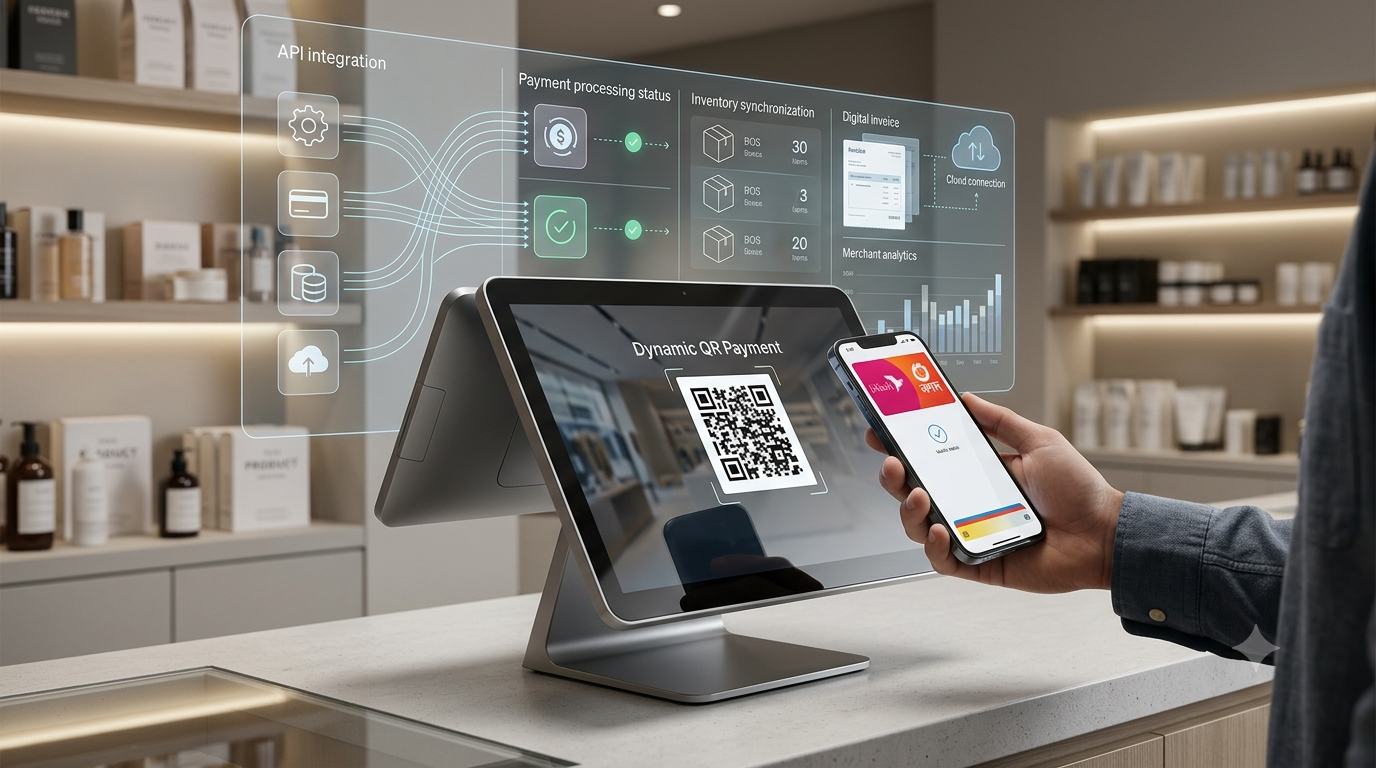
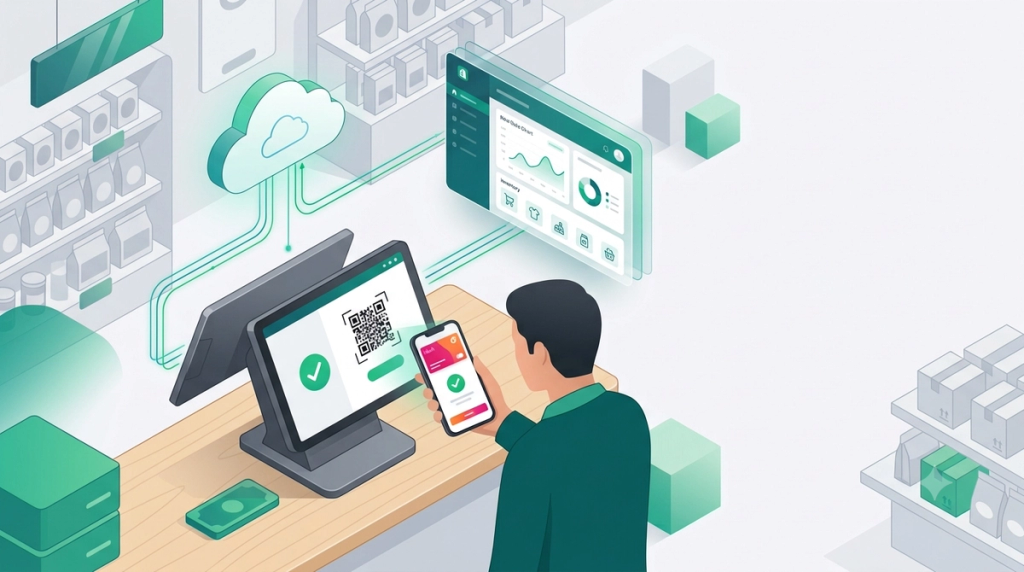
This kind of POS payment integration connects your point-of-sale software to bKash and Nagad payment APIs. Your POS generates a QR code. The customer scans it and pays. The payment confirms instantly inside your POS.
This is different from a standalone QR sticker at your counter. With POS integration, every payment updates your sales records and inventory automatically. You do not need to check your phone or copy numbers by hand.
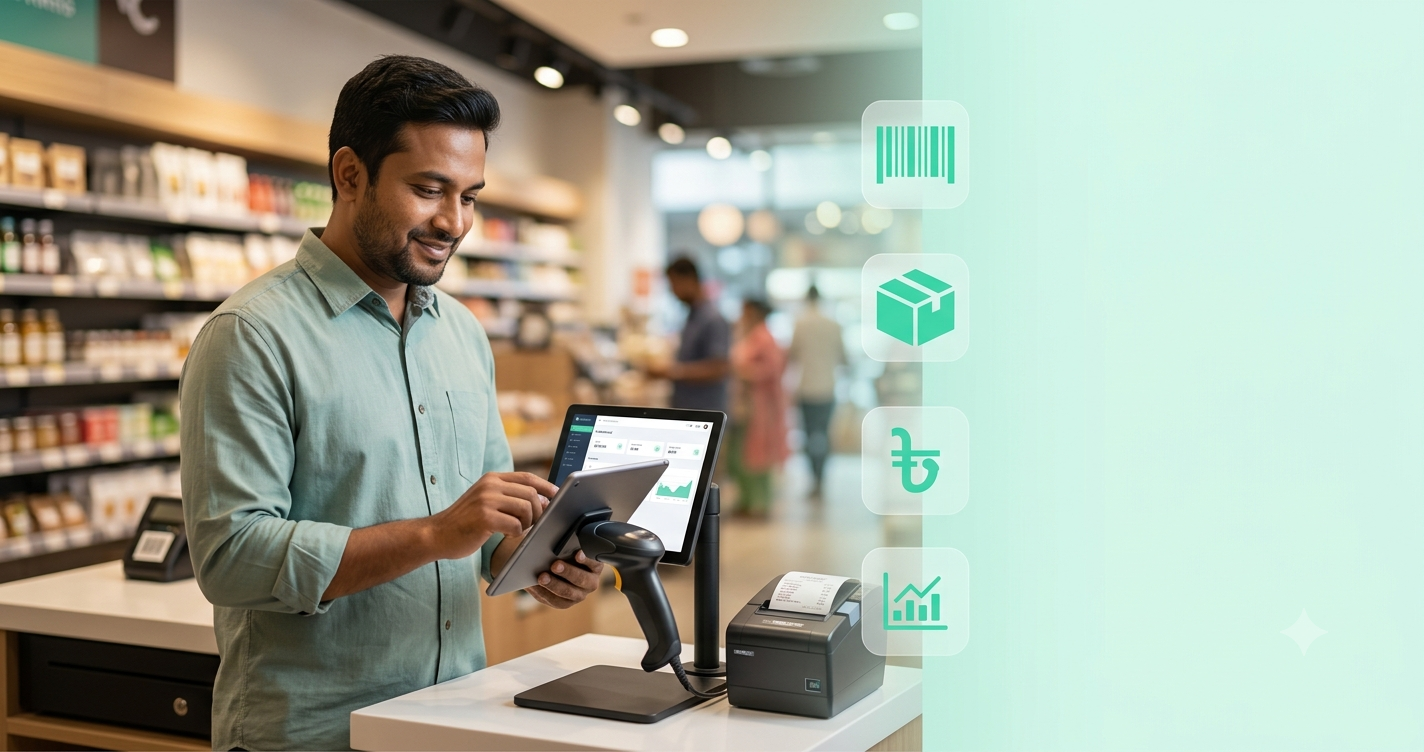
Small shops, restaurants, and pharmacies across Bangladesh use this to speed up checkout and cut errors.
2. How the Payment Flow Works
Your POS talks to the bKash or Nagad API. That API sends back a QR code. The customer scans and confirms the payment in their wallet app. A webhook then tells your POS the payment succeeded.
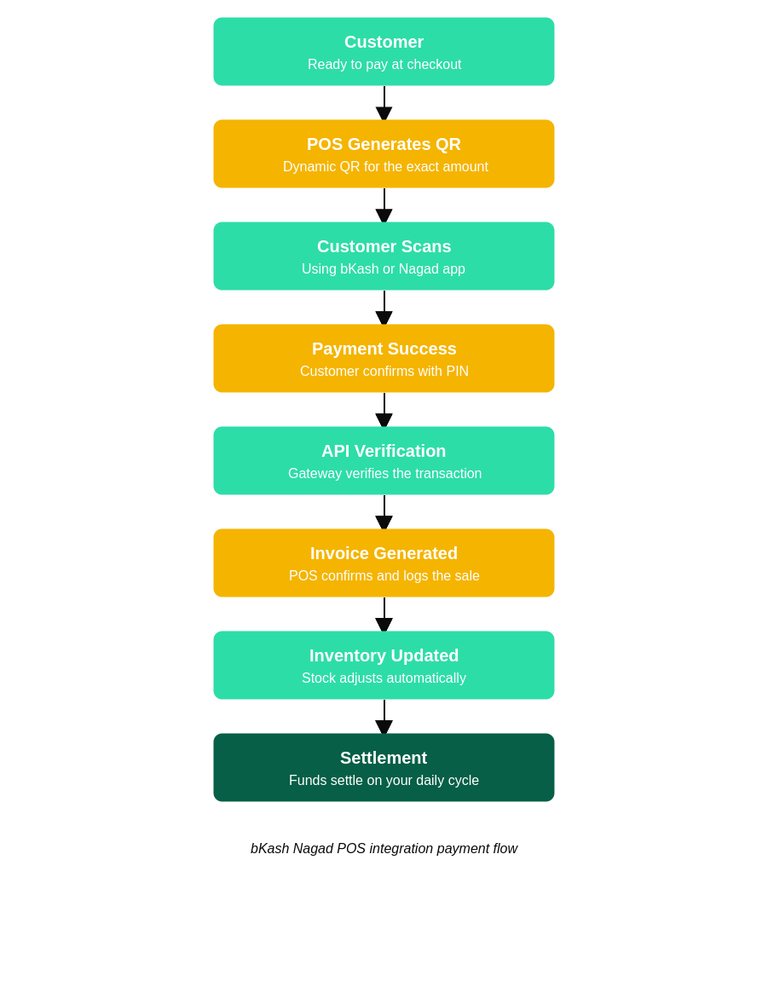
The Payment Flow, Step by Step
Customer is ready to pay at checkout.
POS generates a dynamic QR code for the exact amount.
Customer scans the QR using bKash or Nagad.
Customer confirms payment with their PIN.
The payment gateway verifies the transaction.
POS receives a callback and confirms payment.
Invoice is generated automatically.
Inventory updates in real time.
The transaction is queued for settlement.
Settlement usually happens on a set daily or next-day cycle, depending on your merchant agreement.
QR code payment flow, from customer scan to settlement.
Offline vs Online POS
Cloud POS systems process this flow in real time over the internet. Offline POS systems store the sale locally first, then sync once the connection returns. If you have unstable internet, ask your POS provider about offline queuing before you commit.
Setup usually takes one to two weeks, depending on approval speed.
Step 1: Choose a POS that supports wallet integration. Not every POS system supports bKash and Nagad APIs, so confirm this first.
Step 2: Open a merchant account. Apply directly with bKash and Nagad, or through your POS provider.
Step 3: Get API approval. bKash and Nagad review your business documents first.
Step 4: Generate your QR setup, tied to your merchant ID.
Step 5: Connect your POS to the API, usually handled by your vendor’s technical team.
Step 6: Test the integration. Always test payment callbacks before going live.
Step 7: Go live and start accepting real customer payments.
4. Why Integrated QR Payments Beat Manual QR Codes
A printed QR code at your counter works, but it creates extra manual work. Integration removes that work.
Manual QR
Integrated POS
Manual entry into books
Automatic recording
Higher chance of human error
Verified automatically
No inventory update
Stock updates instantly
Slower checkout
Faster checkout
Manual daily reports
Automatic sales reports
For a busy shop, this difference adds up fast over a full day of sales.
5. Cost of bKash and Nagad POS Payment Integration
Costs vary by provider, but expect these components:
Merchant transaction fees, charged as a percentage per sale
POS software cost, often a monthly subscription
Hardware cost, if you need a new POS terminal or tablet
API or integration charges from your POS vendor
Setup fee, sometimes waived for new merchants
Ongoing maintenance, usually included in your monthly plan
Ask your POS vendor for a full quote before signing. Some vendors bundle setup and maintenance into one monthly rate.
6. bKash vs Nagad: Which Should You Choose?
Most Bangladeshi shops accept both, since customers use different wallets.
Feature
bKash
Nagad
Notes
Market reach
Very high
High, growing fast
Both are widely used
Merchant fee
Competitive
Competitive
Compare current rates
QR support
Static & dynamic
Static & dynamic
Both formats supported
POS integration
Widely supported
Widely supported
Confirm with vendor
The safest approach is to integrate both. This way, you never turn away a paying customer.
7. Who Uses This Kind of Merchant QR Payment Setup?
This kind of cashless payment solution works across many business types:
Restaurants speed up table turnover with instant payment confirmation.
Grocery and super shops avoid queues during peak hours.
Pharmacies process fast, low-friction sales for regular customers.
Salons and clinics handle appointment-based billing smoothly.
Electronics and fashion shops manage higher-value transactions safely.
Any business that takes walk-in payments can benefit.
8. Common Problems and Quick Fixes
POS not syncing: check your internet connection and restart the sync manually.
Payment failed: ask the customer to check their wallet balance and retry.
Duplicate payment: use transaction logs to confirm and refund the extra charge.
Settlement delay: this is often normal; confirm your settlement cycle with your provider.
QR code expired: generate a new QR code, since dynamic QR codes expire quickly.
Wrong merchant ID: double-check your merchant configuration with your POS vendor.
Keeping detailed transaction logs makes every one of these issues easier to resolve.
9. Is This Digital Wallet Integration Secure?
Yes, when set up correctly. Reputable POS providers follow PCI DSS standards and encrypt transaction data. bKash and Nagad both use OTP verification on the customer’s side, which adds another layer of protection.
Ask your provider about their refund process and role-based access controls. These features limit who can issue refunds or view sensitive transaction data.
10. Frequently Asked Questions
Does every POS system support bKash and Nagad?
No, not every POS system on the market supports bKash and Nagad natively. Some only offer a basic static QR sticker instead of true API-level POS payment integration. Always confirm wallet support directly with your POS vendor before signing a contract.
How long does setup take?
Most shops go live within one to two weeks, though the exact timeline depends on how quickly bKash and Nagad approve your merchant documents. Connecting the API to your POS itself usually takes only a few days once approval comes through. Delays typically happen at the document verification stage, so having your business paperwork ready in advance speeds things up.
Can I accept both static and dynamic QR codes?
Yes, most integrated POS systems support both static and dynamic QR payment formats. A static QR code stays fixed and works well for a simple counter setup, while a dynamic QR payment is generated fresh for each sale and automatically carries the exact amount. Most Bangladeshi shops prefer dynamic QR codes since they remove the need for the customer to type in an amount manually.
Is there a minimum sales volume required?
This depends on your POS vendor and the terms of your merchant payment gateway agreement with bKash and Nagad. Some providers set a minimum monthly transaction volume to keep fees low, while others accept any shop regardless of size. It is worth asking this directly during onboarding, since minimums vary between individual merchant agreements.
What happens if my internet goes down?
Cloud POS systems need an active internet connection to process bKash and Nagad payments in real time, so a full outage will pause QR code payment confirmations until the connection returns. Some POS providers offer offline queuing, where sales are stored locally and synced automatically once you are back online. If your shop has unreliable internet, ask your POS vendor about this feature before you commit.
Ready to Accept bKash and Nagad at Your Counter?GeekSSort builds custom digital payment system integrations for bKash and Nagad, for businesses across Bangladesh. We handle the API setup, testing, and go-live process, so you don’t have to.
Poor retail visibility hides lost sales. Learn how a connected retail POS system brings sales, stock, customers, and branches into one view, and which daily checks turn those reports into decisions.
Learn how to build an MVP that investors will actually fund by validating key assumptions with real user data, focusing on traction instead of unnecessary features.
Looking for the best POS software in Bangladesh? This guide compares the top POS systems for retail stores, restaurants, pharmacies, supermarkets, wholesalers, and gyms. Explore key features, pricing, VAT/Mushak compliance, offline functionality, and industry-specific recommendations to choose the right POS solution for your business in 2026.





 We’re happy to sign an NDA upon request.