


 ChatGPT
 Claude
 Perplexity
 Gemini
 Grok
Grok
How to Define an MVP Investors Will Actually Fund
Learn how to build an MVP that investors will actually fund by validating key assumptions with real user data, focusing on traction instead of unnecessary features.


 By Ebrahim Khan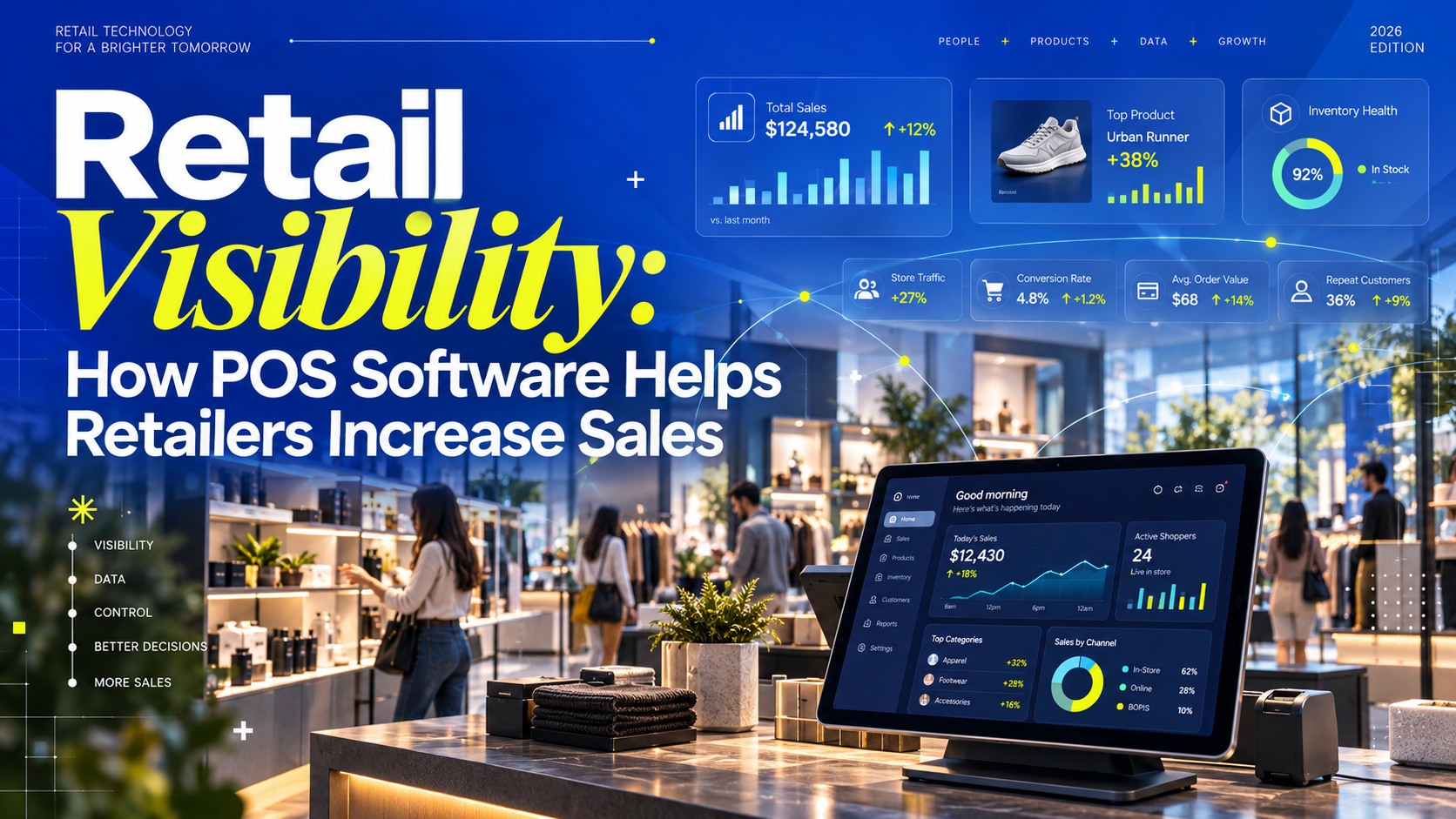
8 min read
Key Takeaways
A busy shop can still lose sales when popular products run out, staff cannot find stock, or discounts go untracked. Retail visibility means knowing what is happening across sales, inventory, customers, payments, and branches. A connected retail POS system brings these records together so owners can spot problems and act sooner.
Retail visibility is a clear, up-to-date view of the information needed to run a shop. It helps you answer:
Paper records, spreadsheets, and separate billing tools can work for a small shop. As products, staff, and branches increase, keeping those records consistent becomes harder.
A connected POS system links transactions with inventory, payment records, and customer history where available. Instead of comparing several disconnected records, retailers can review their operations in one place.
When sales decline, many retailers immediately assume they need more advertising, discounts, or a larger product range. These tactics may help, but they do not solve the underlying problem if the retailer does not understand what is happening inside the business.
For example, a shop may be losing sales because:
These are visibility gaps: information is missing, delayed, or inaccurate when someone needs to make a decision. More advertising may bring customers through the door, but it will not fix unavailable products or unreliable stock records.
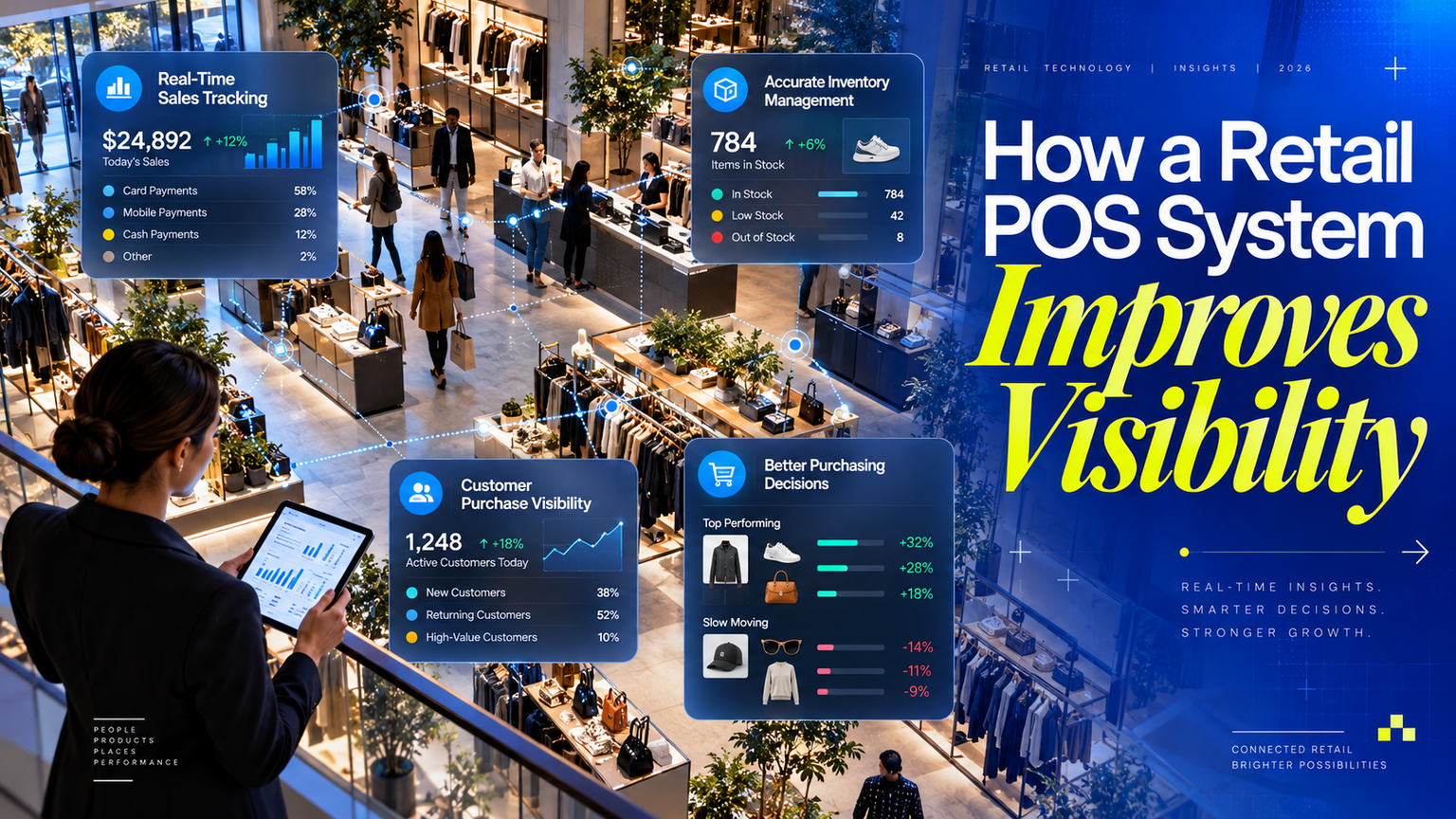
A POS system records sales as they are completed. Depending on the system, retailers can filter sales reports by product, category, employee, branch, date, or payment method.
This helps answer practical questions such as:
Owners can check performance during the day instead of waiting for manual totals at closing time. Reports across branches or sales channels stay current only when those locations and channels are connected and synchronized.
When a sale is recorded in a POS system with inventory tracking, the relevant stock quantity updates automatically. Staff can also record incoming deliveries, returns, transfers, and damaged goods to keep inventory records current.
This makes it easier to:
Monitor live stock levels.
Identify low-stock products.
Reduce stockouts.
Track damaged or returned items.
Manage product variants such as size, color, or model.
Compare stock between branches.
Plan purchasing based on actual demand.
Barcode scanning and separate records for each size, color, or model help staff select the right item. Physical stock counts are still necessary to catch missing items, unrecorded damage, and receiving errors.
For a broader buying checklist, read our guide to POS software for retail shops in Bangladesh.
Retailers often purchase too much stock because they do not have accurate sales history. They may also order too little of a popular product and lose customers when it becomes unavailable.
Sales and inventory reports can help retailers review:
Fast-moving products.
Slow-moving products.
Seasonal demand.
Reorder patterns.
Supplier purchasing history.
Product margins when purchase costs are recorded.
Reorder needs based on stock levels, demand, and supplier lead times.
For example, if an item sells steadily but takes several days to arrive from the supplier, the owner can reorder before stock runs out. Slow-moving products can be reviewed before placing another order. Forecasting and suggested reorder quantities depend on the software and the quality of its data.
A POS system with customer management can link purchases to customer profiles. Where customers are identified at checkout, retailers can review purchase history, preferences, and loyalty activity.
This enables retailers to understand:
Who their most valuable customers are.
Which products customers purchase together.
How often customers return.
Which customers have not purchased recently.
Which promotions produce repeat sales.
Purchase history can support relevant offers and loyalty programs. For example, a retailer might recommend a related item to a returning customer. Collect only the information needed, limit staff access, and respect customers’ communication preferences.
Managing multiple branches without centralized reporting is difficult. Each branch may maintain separate records, making it challenging to compare results or identify operational problems.
A connected POS platform gives owners a unified view of:
Sales by branch.
Inventory by location.
Employee performance.
Returns and discounts.
Cash collection.
Product demand in each area.
Owners can use these reports to transfer stock, adjust product ranges, or investigate unusual returns. Compare branch results in context: opening hours, store size, local demand, and footfall can affect performance.
The difference goes beyond faster billing. A connected POS system reduces the repeated work needed to keep sales, stock, and customer records consistent.
Sales tracking: Manual records depend on staff entries and calculations. A POS records completed transactions and calculates totals.
Stock control: Separate stock sheets need updates after each sale. A connected POS adjusts recorded quantities and supports counts and corrections.
Reporting: Manual reports take time to compile. POS reports can summarize recorded sales and stock by product, period, or location.
Customer history: Notebooks often contain incomplete purchase details. A POS with customer management can link transactions to identified customers.
Branch management: Separate branch records are harder to compare. A synchronized system brings location data into a shared view.
Revenue and profit are different. High sales can still leave a shop with low profit after product costs, discounts, returns, rent, and other expenses.
With accurate cost data and the right reports, retailers can review:
Which products contribute the most gross profit.
Which products sell frequently but have low margins.
Whether discounts are increasing or reducing profitability.
How much cash is tied up in slow-moving stock.
Whether operating costs are growing faster than sales, when expense or accounting data is connected.
Which branches or categories contribute most to business performance.
Gross profit reporting needs reliable product costs and correctly recorded discounts and returns. Net profit also requires operating expenses and other accounting adjustments. A sales dashboard alone does not provide a complete profit picture.
Visibility alone does not automatically increase sales. Retailers must use the information to take action.
For example:
If a product is selling quickly, the retailer can reorder it before it runs out.
If a product is not selling, the retailer can create a bundle or promotional offer.
If one branch has excess inventory, stock can be transferred to another branch.
If customers frequently purchase two products together, the retailer can create a cross-selling offer.
If billing takes too long, the business can improve counter workflows.
If a salesperson has unusually high discounts or refunds, the owner can review the activity.
Start with a short daily review of sales, low-stock items, returns, discounts, and payment totals. Assign someone to act on each issue, then check whether the change improved the result. Reports become useful when they guide decisions.
A POS system should do more than print receipts. Before choosing POS software for a retail business, evaluate whether it includes:
Fast billing and barcode scanning.
Live inventory tracking.
Product and variant management.
Purchase and supplier management.
Customer profiles and purchase history.
Sales, profit, and inventory reports.
Multi-branch synchronization.
Employee access and activity tracking.
Return, exchange, and discount management.
Cash, card, and mobile payment tracking.
Offline billing and reliable synchronization, if your store needs them.
The invoice and tax fields your business requires.
Cloud access for owners and managers.
For a shop in Bangladesh, ask how the software records cash, card, bKash, Nagad, and Rocket payments. Recording a payment method is different from processing or settling a payment. Check the available integrations, local support, and invoice requirements before choosing a system. Ask the provider to demonstrate what works during an internet outage and how records synchronize afterward.
At Geekssort, we build software for business operations. Our Sortorium Retail ERP System brings POS, inventory, purchasing, HR, and analytics together in a connected platform.
For a retailer, the goal is to reduce the effort of checking separate tools for billing, stock, purchasing, and reporting. During a product discussion, we can review your workflows and the capabilities your business needs.
Explore Sortorium and our business software to learn more about our connected retail approach.
A connected approach can support:
Better sales monitoring.
More accurate stock control.
Faster decision-making.
Improved branch coordination.
More organized purchasing.
Stronger customer management.
Clearer business performance reporting.
Before selecting a platform, ask to see your actual workflows demonstrated: a sale, a return, a stock transfer, a purchase receipt, and the reports an owner reviews each day.
Retailers need to understand what is selling, what is running low, where stock is located, and how customers are buying. POS software for retail shops can connect this information and make it easier to respond before small problems become lost sales.
Choose a system that fits your operations, keep its records accurate, and turn reports into regular decisions. Better visibility helps you protect sales opportunities, control stock, and make purchasing decisions with less guesswork.
Retail visibility means having accurate, accessible information about sales, stock, customers, payments, and store performance. It helps owners understand what is happening and decide what to do next.
It can help retailers identify popular products, spot low stock, review buying patterns, and improve checkout workflows. Those insights support action, such as timely reordering or more relevant offers. Installing software alone does not guarantee higher sales.
No. Inventory records update when sales and stock movements are entered correctly, but physical counts are still needed to identify differences caused by missing items, damage, or recording errors.
Yes, systems with multi-location features can report sales and inventory across branches. Check stock transfers, staff permissions, connectivity, and synchronization during a demonstration.
A system with accurate product cost records can report gross profit. Calculating net profit also needs operating expenses and other accounting adjustments, which may require an accounting module or integration.
If your sales, stock, and purchasing records are spread across notebooks or separate tools, start by identifying the information you need each day. Share your branch count, product range, payment methods, and current workflows with our team.
Talk to Geekssort about your retail POS requirements and the reports that would help you run your business.
Prompt copied — paste it into Gemini.

Learn how to build an MVP that investors will actually fund by validating key assumptions with real user data, focusing on traction instead of unnecessary features.
Looking for the best POS software in Bangladesh? This guide compares the top POS systems for retail stores, restaurants, pharmacies, supermarkets, wholesalers, and gyms. Explore key features, pricing, VAT/Mushak compliance, offline functionality, and industry-specific recommendations to choose the right POS solution for your business in 2026.
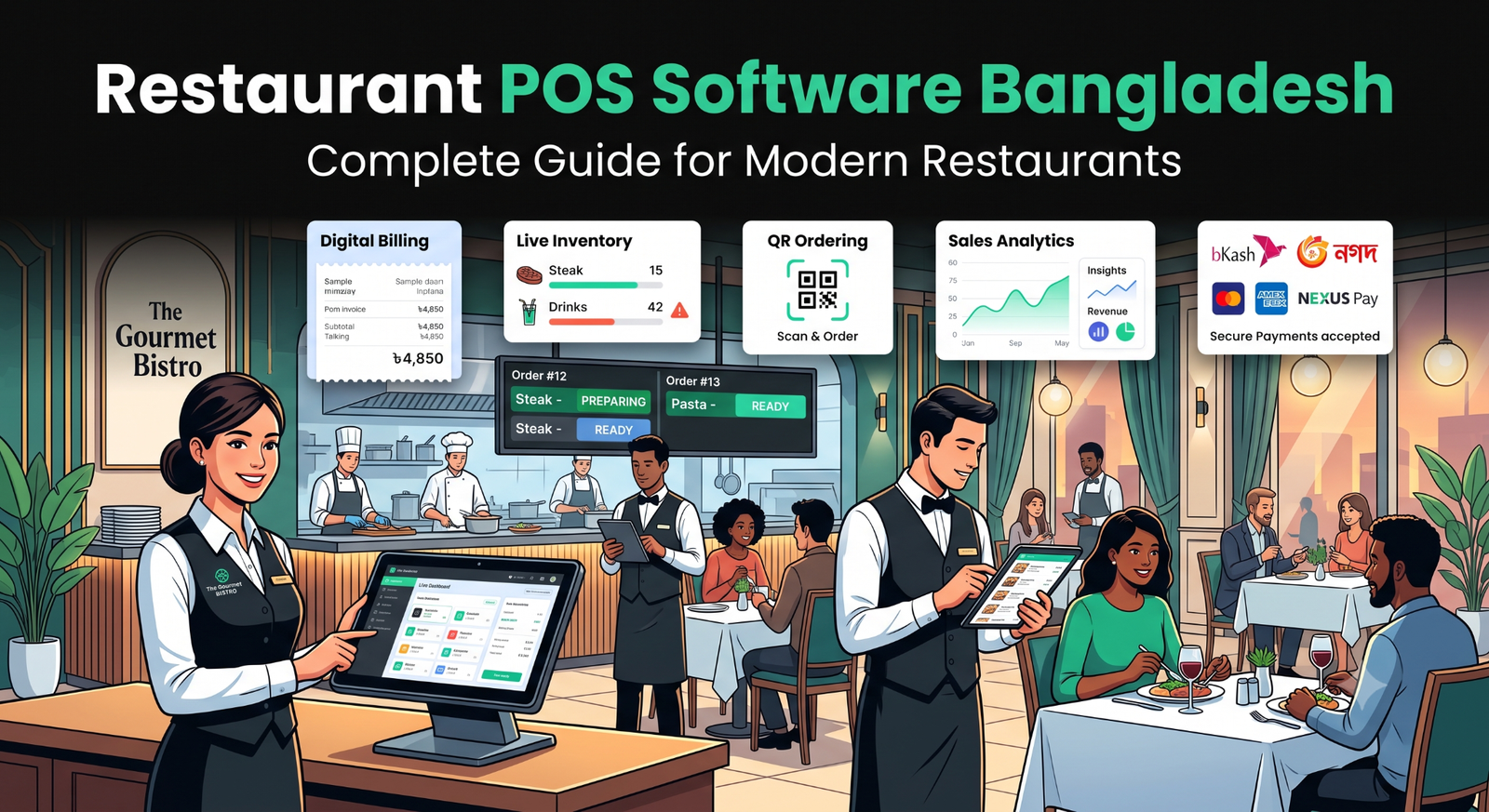
Find the best Restaurant POS software in Bangladesh with pricing, inventory management, QR ordering, payment integration, and key features.

Ebrahim KhanFounder & CEO
 We’re happy to sign an NDA upon request.