Learn the difference between a style guide and a design system, what each includes, and when your team needs one. Discover how design tokens, reusable UI components, and consistent design workflows help scale products more efficiently.
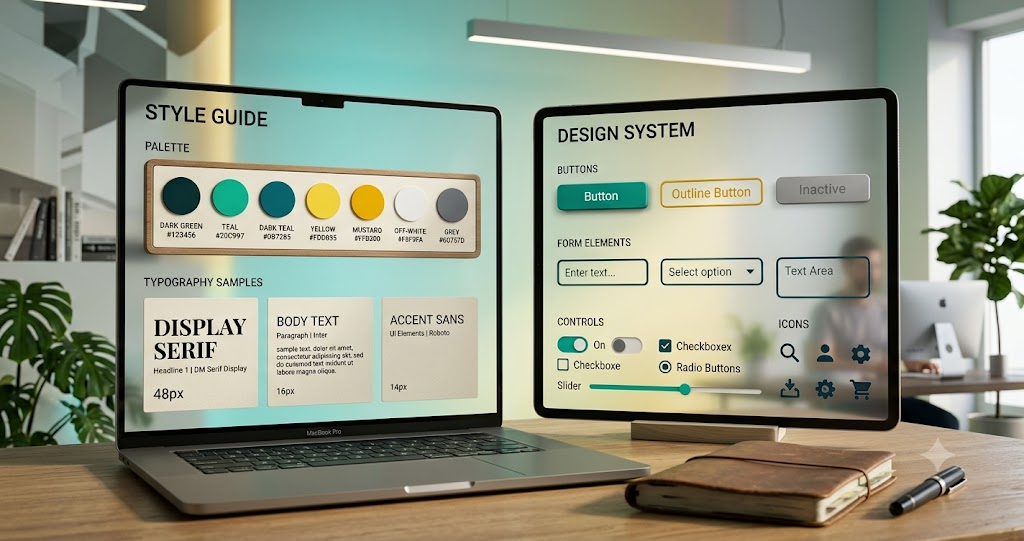
Style guide: the rulebook. Design system: the toolbox.
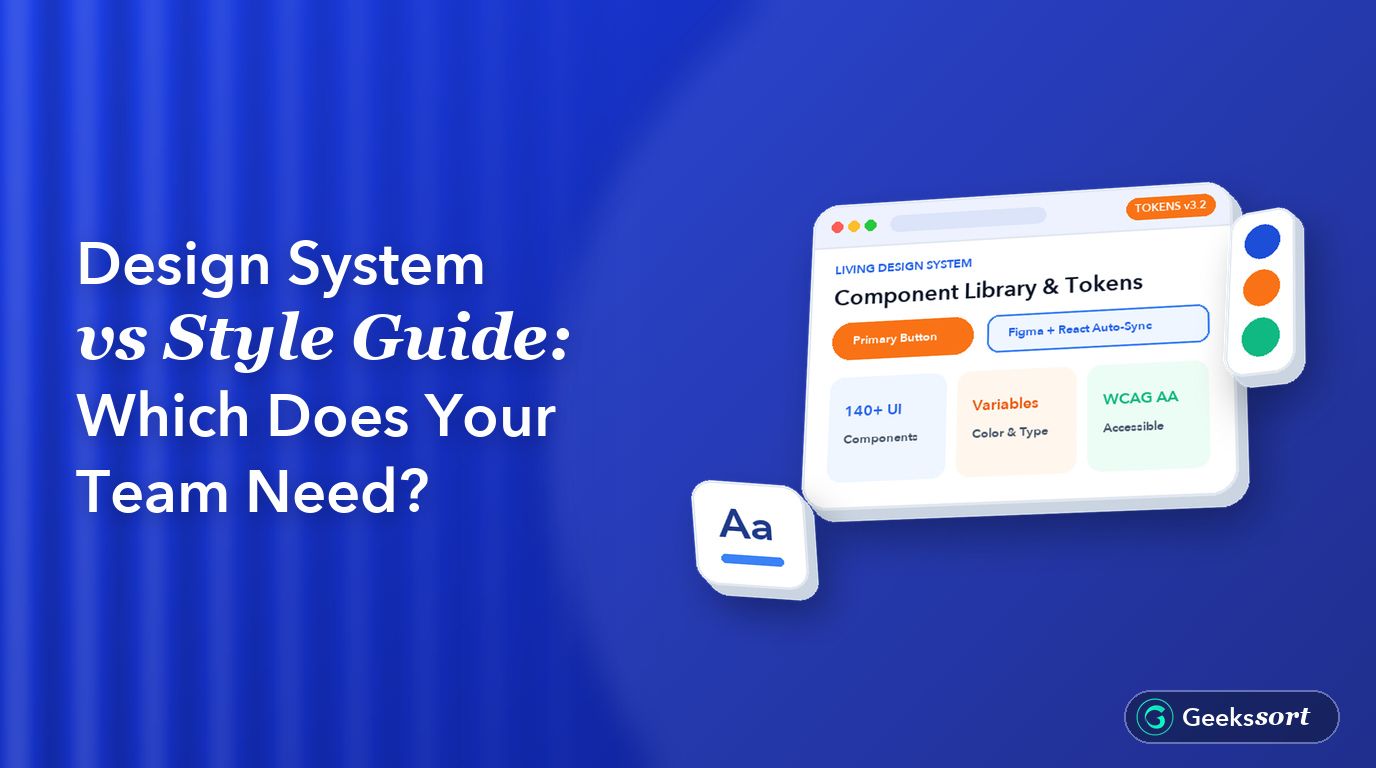
Confused about design system vs style guide, and which one your team actually needs? A style guide documents colors, fonts, and voice. A design system goes further, with reusable UI components and code your team can build with directly.
This guide breaks down the real difference and helps you decide which one fits your team right now.
What a Style Guide Actually Covers
A style guide is mostly documentation. It covers brand colors, typography, logo usage, and tone of voice.
A style guide keeps marketing and design consistent. It does not usually include working UI components or code.
What a Design System Actually Covers
A design system includes everything a style guide has, plus a UI component library. These components are built with design tokens, so colors and spacing stay consistent everywhere.
A design system connects design and front-end code directly, which a style guide alone cannot do.
Design System vs Style Guide: The Core Difference
The design system vs style guide question really comes down to scope. A style guide answers “what should this look like?” A design system answers “what do I build with?”
Think of a style guide as the rulebook and a design system as the toolbox.
When a Style Guide Is Enough
Small teams with one product and a simple UI often do not need a full design system yet. A clear style guide keeps design consistency without heavy setup work.
Sign you need only a style guide: One designer, one small product, and no shared component library across teams yet.
When You Need a Full Design System
Larger teams building multiple products benefit most from a design system. Shared UI components save time and keep front-end consistency across every screen.
Sign you need a design system: Multiple designers, several products, or a pattern library that keeps drifting out of sync.
Design Tokens and Why They Matter
Design tokens are the smallest building blocks, like a single color value or spacing unit. They let both design tools and code pull from the same source.
This is what makes a design system scalable, unlike a style guide, which usually lives only as a document.
Well-known design system examples include Google’s Material Design and IBM’s Carbon Design System. Both pair documentation with real, reusable UI components.
Studying a few public design system examples helps a team see what a mature setup actually looks like.
Making the Switch Later
Many teams start with a style guide and grow into a design system over time. Nothing is wasted, since a style guide’s colors and type rules become early design tokens.
Fix: Treat your style guide as version one of your design system. Add components gradually as your product design workflow grows.
Frequently Asked Questions
Can a small startup use a style guide instead of a design system?
Yes, most early-stage teams are fine with a style guide. A full design system usually makes sense once you have multiple products or a larger team.
Is a design system just a bigger style guide?
Not exactly. A design system includes real UI components and design tokens. A style guide is mostly documentation without working code.
How long does it take to build a design system?
It depends on team size and product complexity. Many teams start small and expand their component library gradually over several months.
Do design tokens really matter for a small team?
Yes, even a small team benefits from design tokens. They make future scaling easier and keep design and code in sync from day one.
Not Sure Which One Your Team Needs?GeekSSort helps product teams figure out whether a style guide or a full design system fits their stage. We assess your current setup and build the right foundation for how your team actually works.
how Voice Interface Development enables hands-free, accessible, and intelligent user experiences. Learn its benefits, real-world applications, implementation challenges, and when voice technology is the right choice for your business or application.
Low SaaS conversions often come down to avoidable UX mistakes. Learn the most common issues—from confusing sign-up flows and weak onboarding to poor mobile experiences—and discover practical fixes to improve user engagement and conversion rates.
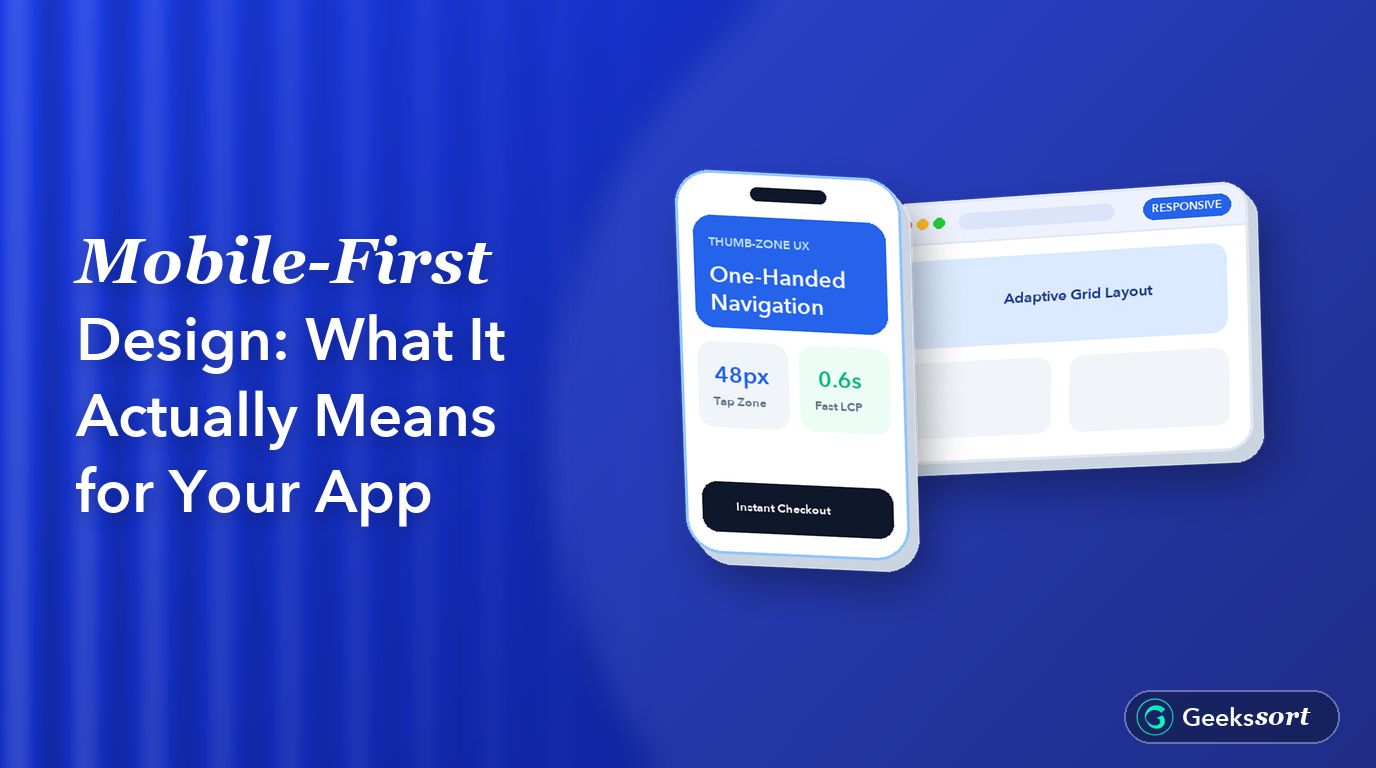
Discover what mobile-first design really means and why it’s more than responsive design. Learn how to create faster, touch-friendly apps by designing for mobile first, improving usability, performance, and the overall user experience across every screen size.




 We’re happy to sign an NDA upon request.