Low SaaS conversions often come down to avoidable UX mistakes. Learn the most common issues—from confusing sign-up flows and weak onboarding to poor mobile experiences—and discover practical fixes to improve user engagement and conversion rates.
Where SaaS users drop off before converting.
Why do visitors leave your SaaS site without signing up? Bad UX design is often the real reason behind low SaaS conversions. Small friction points during sign-up, onboarding, or checkout push users away before they see your product’s value.
This guide covers the most common SaaS UX mistakes and simple fixes you can apply this week.
Confusing Sign-Up Flows
A confusing sign-up flow is one of the biggest SaaS UX mistakes. Too many form fields create friction before a user even tries your product.
Every extra field adds sign-up friction and drop-off risk. Ask only for an email and password at first. Save profile details for after activation.
Fix: Cut your sign-up form down to the essentials. Add optional fields later, inside the app, once trust is built.
Weak Onboarding Experiences
SaaS onboarding is where most trial-to-paid conversion is won or lost. If users cannot find value fast, they will not stay.
Poor onboarding UX often skips showing the core action a user needs to take. Without a clear first step, users get lost and churn early.
Fix: Guide new users to one key action right away. Use short tooltips or a simple checklist instead of a long tour.
Unclear Calls to Action
CTA button design matters more than most teams expect. Vague labels like “Submit” or “Learn More” fail to tell users what happens next.
This adds cognitive load at the exact moment you want a decision. A weak CTA is a small UX issue with a big impact on conversion rate.
Fix: Use clear, action-based CTA text, like “Start Free Trial” or “Create My Account.” Make the button visually stand out on the page.
Ignoring Mobile UX
Many SaaS landing pages are built desktop-first, then adjusted for mobile as an afterthought. This creates a weak mobile UX experience for a growing share of visitors.
Small tap targets, cramped forms, and slow load times all raise bounce rate on mobile devices.
Fix: Design your sign-up flow and landing page for mobile first. Test every step on a real phone, not just a browser resize.
Skipping UX Research
Many product teams guess at what users want instead of running real UX research. This leads to features nobody asked for, while real friction points go unfixed.
A simple user journey mapping session can reveal where people actually drop off.
Fix: Watch a handful of real users move through your sign-up and onboarding flow. Fix the first real friction point you see.
Overloading Users With Choices
Too many pricing tiers, feature toggles, or settings during onboarding increase cognitive load. Users freeze when faced with too many decisions too early.
This is one of the more subtle SaaS UX mistakes, since it hides inside settings instead of the sign-up form. It is a common UX audit finding across SaaS products of every size.
Fix: Offer one recommended path by default. Let advanced options stay hidden until a user actively looks for them.
Broken or Inconsistent Forms
Form design UX problems, like unclear error messages or fields that reset on error, quietly kill signups. Users assume the product is broken and leave.
Fix: Show clear, specific error messages next to the field that needs fixing. Never clear an entire form after one mistake.
Start with your sign-up flow, since it is the first real test of your UX. If that step has heavy friction, every other fix matters less until it’s resolved.
How do I know if my onboarding UX is a problem?
Look at your trial-to-paid conversion rate and where users drop off. A sharp drop right after sign-up usually points to a weak first experience.
Do small UX issues really affect conversion rate?
Yes, small friction points add up fast across a user journey. One confusing form field or unclear CTA can be enough to lose a hesitant visitor.
Is UX research worth it for an early-stage SaaS startup?
Yes, even five real user sessions can reveal major friction points. It costs far less than losing signups to fixable problems.
Want a UX Audit for Your SaaS Product?GeekSSort helps SaaS teams find and fix the UX mistakes quietly hurting their conversion rate. We review your sign-up flow, onboarding, and core user journey, then hand you a clear action plan.
how Voice Interface Development enables hands-free, accessible, and intelligent user experiences. Learn its benefits, real-world applications, implementation challenges, and when voice technology is the right choice for your business or application.
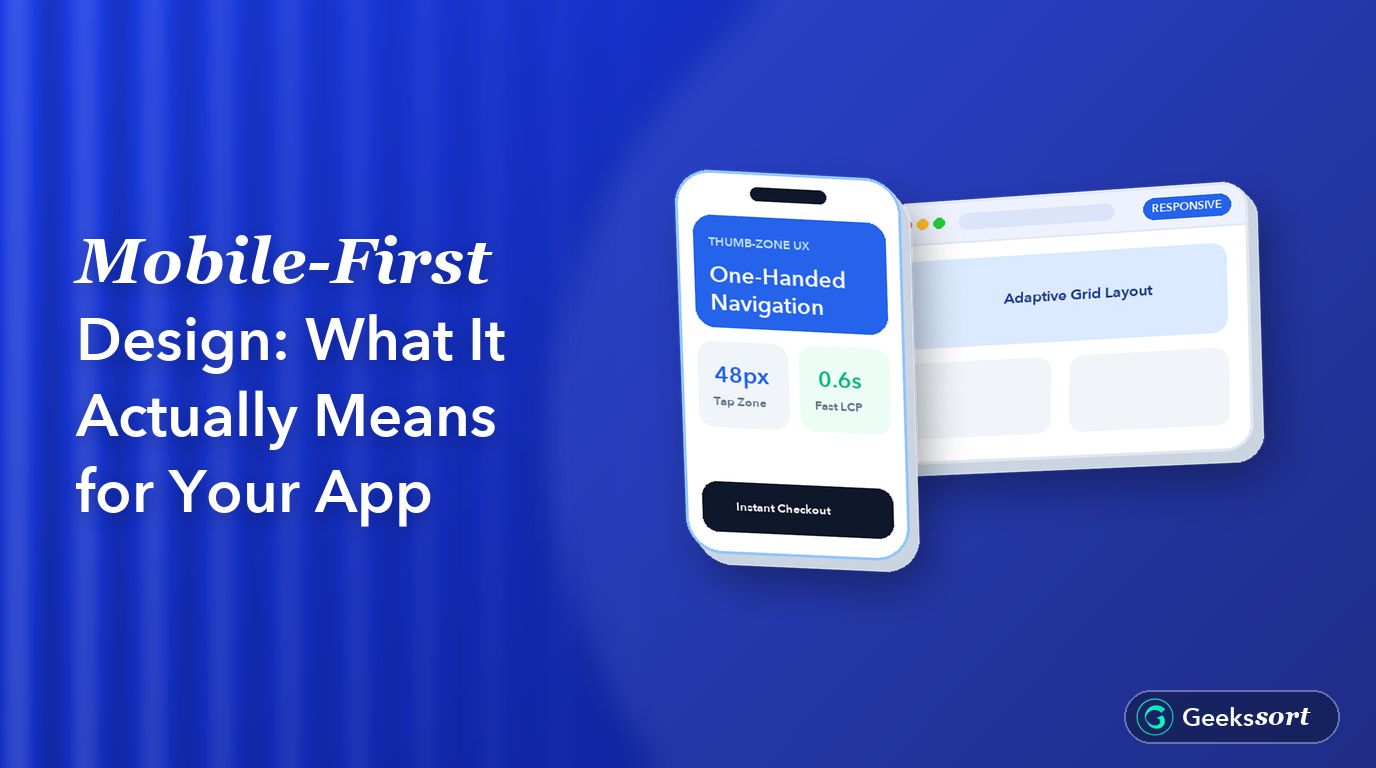
Discover what mobile-first design really means and why it’s more than responsive design. Learn how to create faster, touch-friendly apps by designing for mobile first, improving usability, performance, and the overall user experience across every screen size.
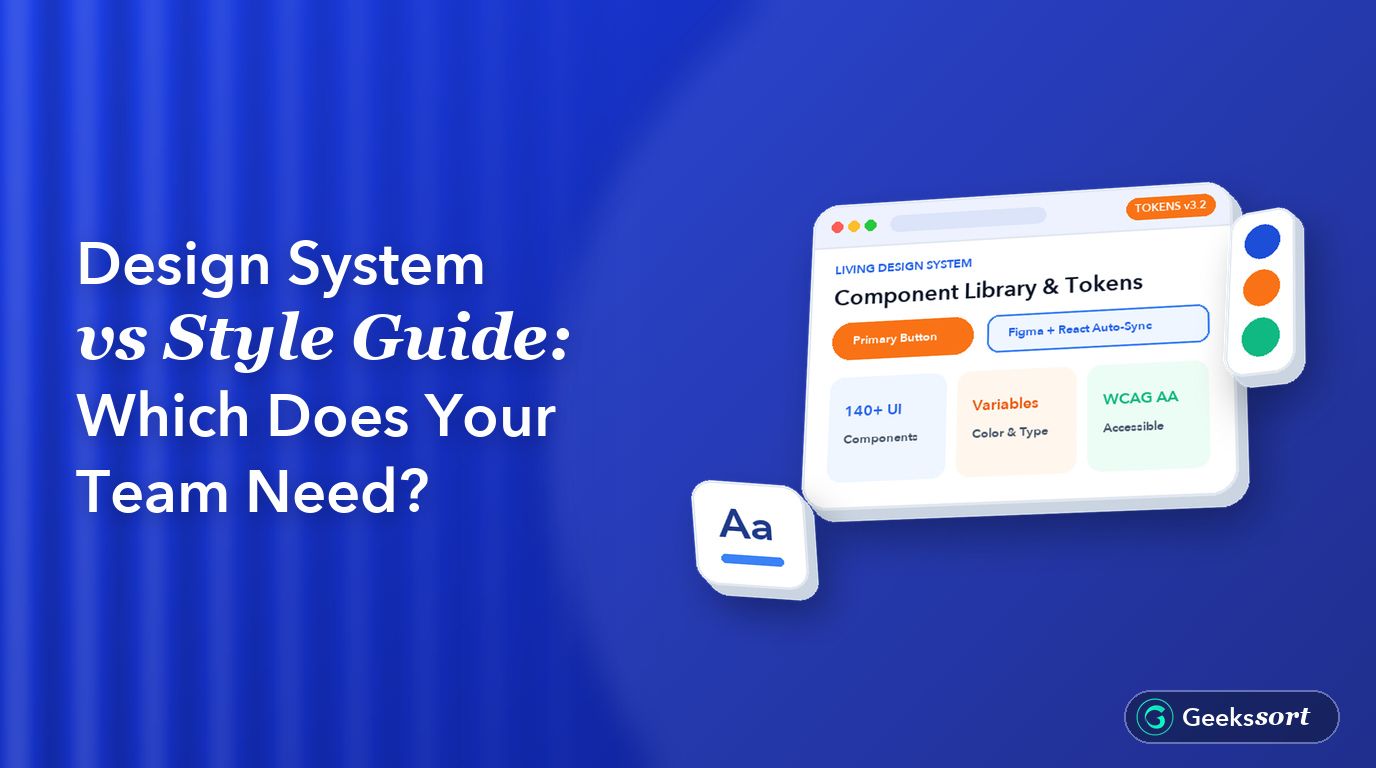
Learn the difference between a style guide and a design system, what each includes, and when your team needs one. Discover how design tokens, reusable UI components, and consistent design workflows help scale products more efficiently.






 We’re happy to sign an NDA upon request.