Discover what mobile-first design really means and why it’s more than responsive design. Learn how to create faster, touch-friendly apps by designing for mobile first, improving usability, performance, and the overall user experience across every screen size.
Mobile-first design in practice: start small, scale up.
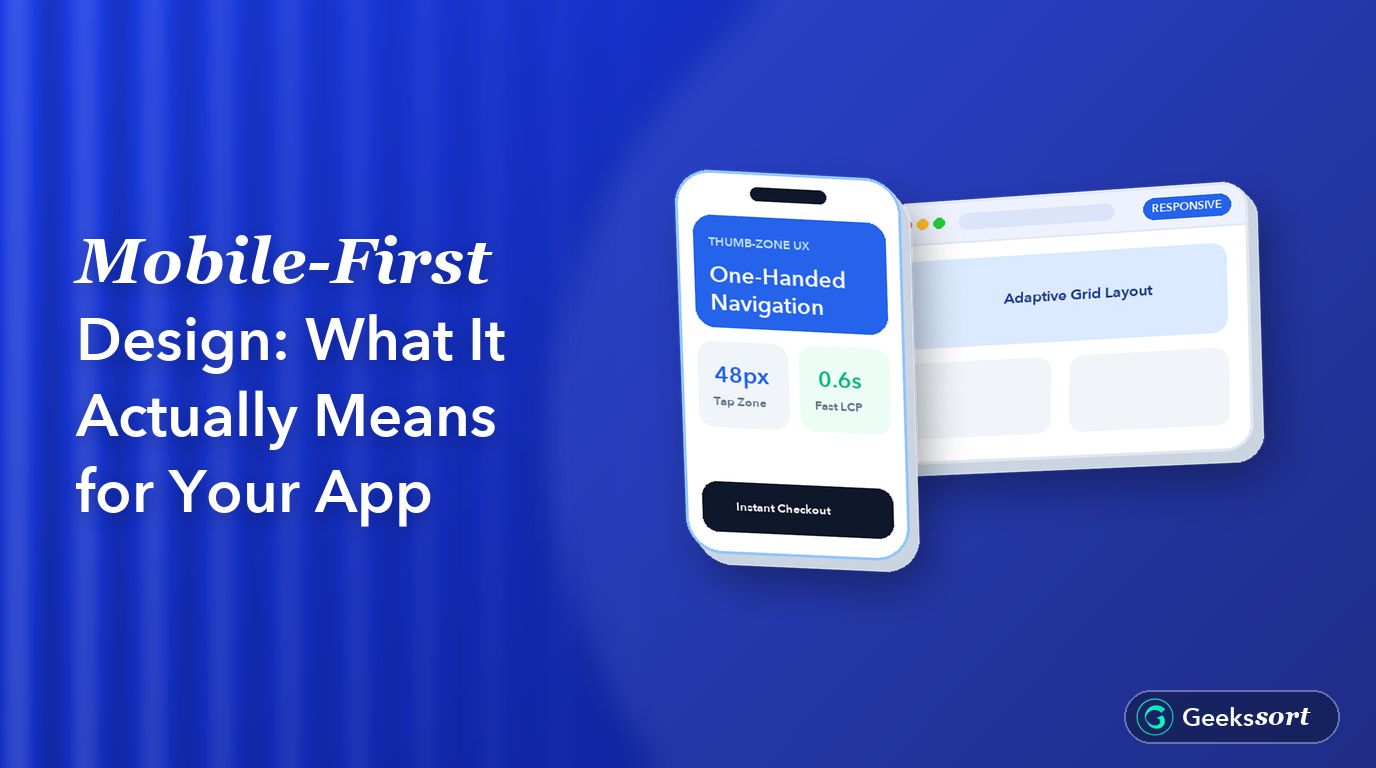
What does mobile-first design really mean beyond a buzzword? Mobile-first design means building your app for the smallest screen first, then expanding up to tablet and desktop. It is not just shrinking a desktop layout to fit a phone.
This guide breaks down what mobile-first design involves and how to apply it without a full redesign.
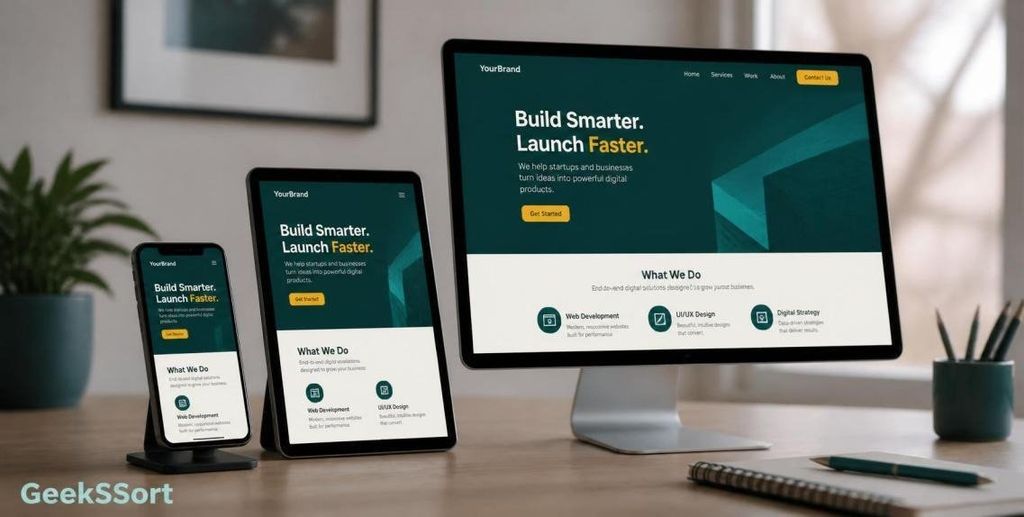
Responsive design adjusts a desktop layout to fit smaller screens. Mobile-first design starts from the smallest screen and adds features as space allows.
This difference matters for app design decisions. Starting mobile-first forces you to prioritize the most important content and actions first.
Why Mobile-First Design Matters Now
Most SaaS and consumer apps now see more mobile UX traffic than desktop. Ignoring this shifts real usability problems onto your biggest user group.
Mobile-first design also improves mobile performance, since you build lean from the start.
Designing for Touch, Not Clicks
Touch targets need more space than mouse clicks. A button sized for a cursor often fails as a thumb-friendly design element on a real phone.
Fix: Keep tap targets at least 44 by 44 pixels. Add spacing between interactive elements to avoid accidental taps.
Content Priority Over Screen Space
Mobile-first design forces hard choices about what content actually matters. There is no room to show everything at once on a small screen.
This constraint often improves the desktop version too, since it removes clutter that was never needed in the first place.
Breakpoints and Adaptive Design
Breakpoints define where your layout adjusts as screen size grows. A mobile-first approach starts with one column, then adds columns as space increases.
This adaptive design approach avoids awkward in-between layouts that neither look like a phone app nor a desktop site.
Performance on Real Devices
Mobile UX depends heavily on load speed, not just layout. Large images and heavy scripts hurt users on slower connections and older phones.
Fix: Compress images, lazy-load anything below the fold, and test on a mid-range device, not just a flagship phone.
Navigation That Works With One Hand
Desktop navigation often assumes a wide screen and a mouse. Mobile-first design should assume one thumb and a narrow screen.
Fix: Keep key navigation within thumb reach, usually the bottom half of the screen, not a top corner menu.
Frequently Asked Questions
Is mobile-first design the same as responsive design?
No, they are related but different. Responsive design adapts an existing layout, while mobile-first design starts the entire process from the smallest screen.
Does mobile-first design mean my desktop site gets worse?
No, it usually improves both. Starting with tighter constraints often removes clutter that was hurting the desktop experience too.
How do I know if my app needs a mobile-first redesign?
Check your mobile UX traffic and bounce rate first. If most users are on mobile and struggling, a mobile-first pass is worth prioritizing.
Can I apply mobile-first design without rebuilding the whole app?
Yes, you can start with your highest-traffic screens. Fix touch targets, content priority, and navigation there before expanding to the rest of the app.
Want Your App Redesigned Mobile-First?GeekSSort helps product teams rework app design around real mobile usage. We audit your current experience, then rebuild the highest-impact screens with a true mobile-first approach.
how Voice Interface Development enables hands-free, accessible, and intelligent user experiences. Learn its benefits, real-world applications, implementation challenges, and when voice technology is the right choice for your business or application.
Low SaaS conversions often come down to avoidable UX mistakes. Learn the most common issues—from confusing sign-up flows and weak onboarding to poor mobile experiences—and discover practical fixes to improve user engagement and conversion rates.
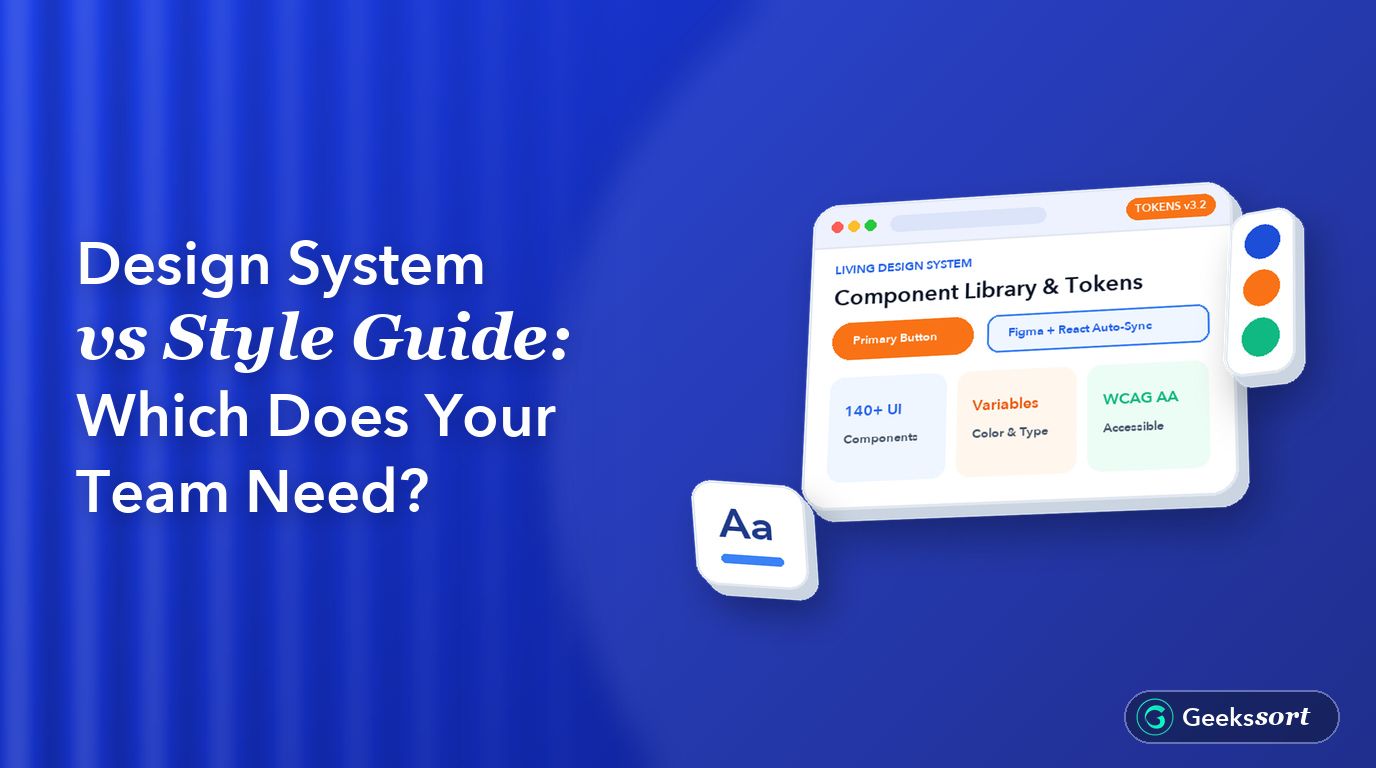
Learn the difference between a style guide and a design system, what each includes, and when your team needs one. Discover how design tokens, reusable UI components, and consistent design workflows help scale products more efficiently.





 We’re happy to sign an NDA upon request.