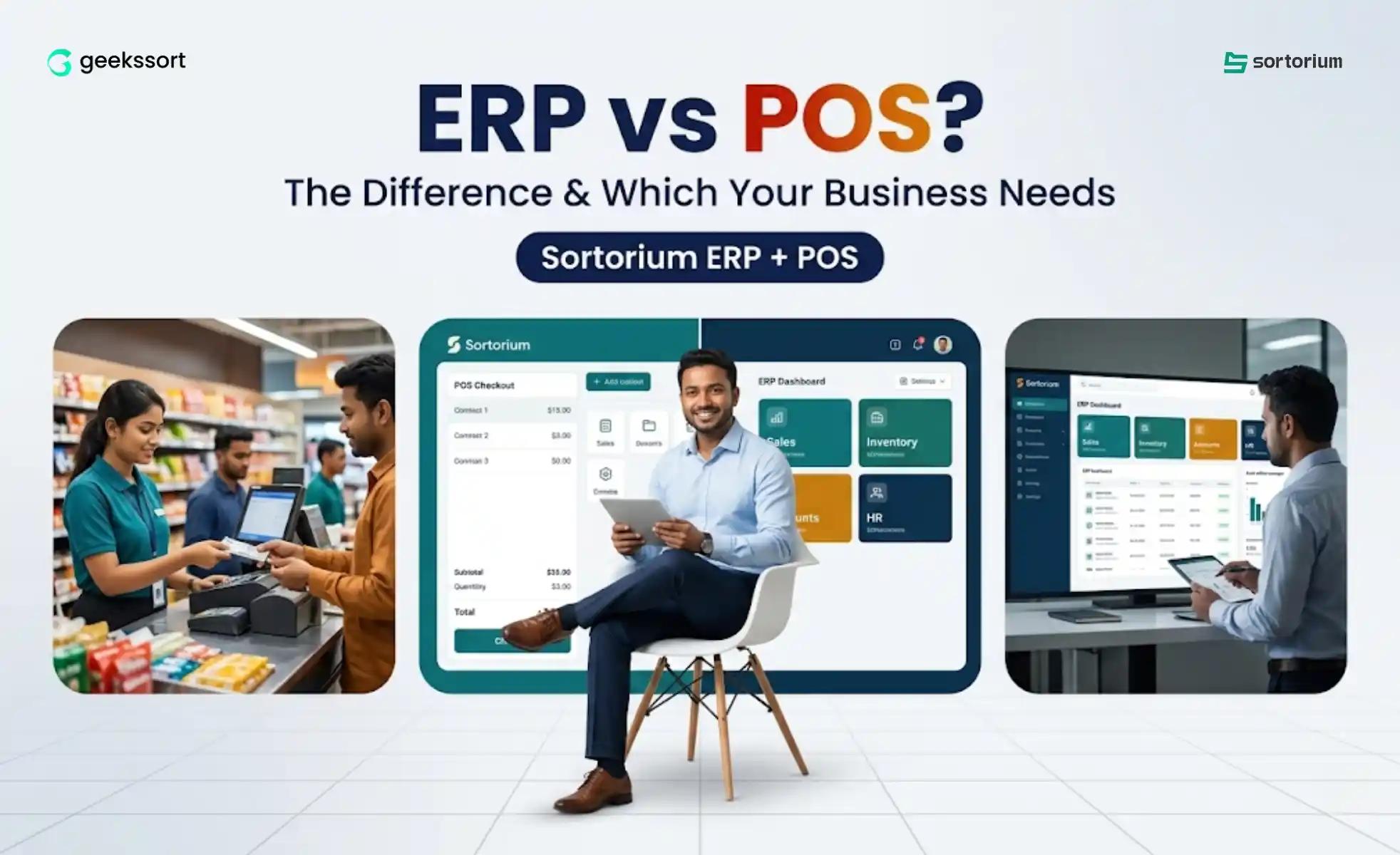
POS handles the sale. ERP runs the whole business behind it. Here is the ERP vs POS difference and how to choose the right one for your Bangladeshi business.
The ERP vs POS question trips up more Bangladeshi business owners than almost any other software decision. The two sound alike, salespeople blur the line, and choosing wrong can cost you months and a lot of taka. Here is the short version: a POS handles the moment of sale at your counter, while ERP software runs your entire business behind it, inventory, accounts, HR, and more. Most growing SMEs eventually need both. This guide settles the ERP vs POS debate in plain language and helps you decide what your business actually needs.
ERP vs POS: The Short Answer for Busy Owners
If you only read one section of this ERP vs POS guide, read this. POS is one tool that does one job brilliantly: it takes the payment at your counter. ERP is the whole system that runs your business, and it usually contains a POS inside it. So the real question is not which is better. It is how much of your business you want one platform to handle.
What Is a POS System? (The POS Half of ERP vs POS)
POS stands for Point of Sale. In the ERP vs POS comparison, the POS is the part that processes a transaction the moment a customer pays: scan an item, apply a discount, take cash or mobile banking, and print a receipt. A good POS clears your queue fast and rarely makes billing mistakes.
But a standalone POS stops there. It does not manage supplier purchases, full accounting, payroll, or stock across warehouses. It captures sales. It does not run the business.
What Is ERP Software? (The ERP Half of ERP vs POS)
ERP stands for Enterprise Resource Planning. In the ERP vs POS comparison, ERP is the wider system that connects inventory, sales, accounting, HR, and billing into one platform sharing the same live data. Where POS answers ‘what did we just sell’, ERP answers ‘how much stock, profit, and risk do we have across the whole business’.
The Modules That Separate ERP from POS
Inventory in the ERP vs POS Comparison
ERP tracks stock across products, warehouses, and branches with reorder alerts. A plain POS only knows what passed the counter.
Accounts in the ERP vs POS Comparison
ERP keeps a full ledger, profit and loss, and VAT-ready reports. A POS gives you a daily sales total and little more.
HR in the ERP vs POS Comparison
ERP handles staff records, attendance, and payroll. POS has no concept of your team at all.
ERP vs POS: The Key Differences at a Glance
Here is the ERP vs POS comparison in one view.
Question
POS System
ERP Software
What it does
Processes sales at the counter
Runs the entire business
Scope
Billing, receipts, payments
Inventory, sales, accounts, HR
Data view
Today’s transactions
Whole business, all branches
Best for
A single shop or counter
Growing or multi-branch firms
Accounting
Limited or none
Full ledger, profit, VAT
Contains POS?
Is the POS
Usually includes a POS module
ERP vs POS: Where the Confusion Comes From
The ERP vs POS line blurs for two reasons. Modern POS tools added basic inventory and reports, so they start to look like mini-ERPs. And ERP vendors often lead demos with their POS screen because it is the most visible part. The cleanest way to think about it: POS is one feature of running a business, ERP is the system that runs the business and includes that feature.
ERP vs POS: Which Does Your Bangladesh Business Need?
Match the ERP vs POS answer to where your business is today.
ERP vs POS for a Single Counter
If you sell at one location with simple stock and accounts, a standalone POS may be enough to start. Just expect to outgrow it.
ERP vs POS for a Growing Shop
Once you track real inventory, pay staff, and want true profit, a POS alone leaves gaps you fill with spreadsheets. This is where ERP starts saving real time and money.
ERP vs POS for Multiple Branches
Multiple branches are where standalone POS setups fall apart. You need one view of stock, sales, and cash across every outlet, and that is an ERP job.
Why Unified Software Wins the ERP vs POS Debate for BD SMEs
For most Bangladeshi SMEs, the smartest answer to ERP vs POS is not to choose. Sortorium builds the POS directly into the ERP, so the counter sale flows straight into inventory and accounts with no re-entry and no reconciliation. You get the speed of a POS and the control of an ERP in one platform, configured for Bangladesh with VAT and mobile banking, instead of gluing two systems together yourself.
In a full ERP platform, yes. The POS is usually one module inside the ERP, so counter sales feed straight into inventory and accounts. A standalone POS is a separate tool that only handles sales.
In the ERP vs POS choice, can I use just a POS?
For a single small shop, yes, to start. But as stock, staff, and branches grow, a POS alone leaves gaps. Many Bangladeshi SMEs then move to a unified ERP and POS platform.
Which is more expensive in ERP vs POS?
A standalone POS is cheaper upfront because it does less. ERP costs more but does much more, and SME-priced unified platforms in Bangladesh are often cheaper than running several separate tools.
What is the ERP vs POS difference for a restaurant?
The POS takes orders and payments. The ERP also handles ingredient stock, supplier purchases, payroll, and accounting. A unified platform gives a restaurant both.
The Bottom Line on ERP vs POS
ERP vs POS is not really a contest. A POS captures the sale. An ERP runs the business and usually contains a POS inside it. Match the choice to your size and growth plans, and remember that for most Bangladeshi SMEs, a unified ERP and POS platform delivers both without the headache of joining two systems.
Want the speed of a POS and the control of an ERP in one platform built for Bangladesh?
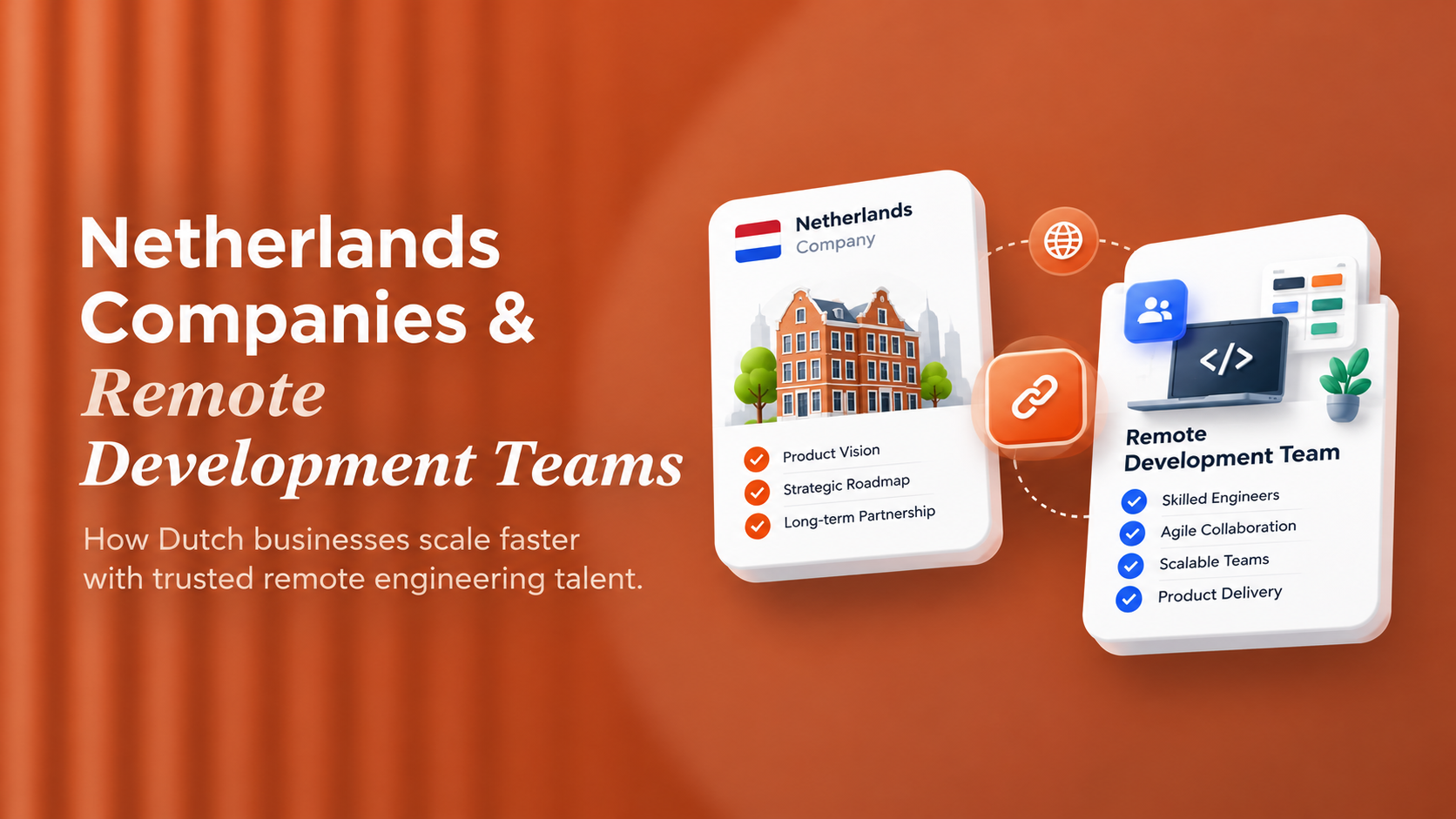
The Netherlands has near-universal English fluency and a persistent shortage of senior engineers in AI, MLOps and cloud infrastructure. Here is why Dutch companies are moving to remote development teams, and what to verify before committing.
HIPAA and GDPR overlap on security controls but diverge on consent, individual rights and breach notification timing. Here is the technical crosswalk, PHI handling architecture, BAA process and AI governance one dual-compliance HealthTech platform needs.
The quote on your desk is not the price of the software. This guide splits the real cost of custom software into CapEx vs OpEx treatment, annual maintenance benchmarks by software type, and a 3-year TCO model to build before a CFO signs off.



 We’re happy to sign an NDA upon request.